For a splash, pour or impact in slow motion AI video, generate the clip slow: put “ultra slow motion” and “frozen mid-air” in the prompt, with backlight and one slow camera move. To slow footage you already have, set Speed to 0.5x, which repeats frames rather than adding them.
You want a pour, a splash or an impact to look expensive in a TikTok, Reel or Short. You have either a 30 fps phone clip or only a product photo and an idea.
After reading, you can choose whether to slow your footage or generate the shot, make the clip, and finish a 9:16 post that passes a five-minute check.
Key takeaways#
- A 30 fps clip slowed 4x without new frames shows 30 ÷ 4 = 7.5 distinct frames per second, so it stutters.
- Slow motion pays off on liquids, particles, impacts, hair and fabric. A person walking or talking gains nothing.
- Speed at 0.5x doubles a clip’s length, so run Caption only after the final edit.
- Use slow motion once per short, on the impact or pour, and keep the rest at normal speed.
What you need before you start a slow motion AI video#
Before you start, you need a clip you shot or a prompt idea, a target platform, a funded Looptake balance, and one decision: retime the footage or generate the shot.
Frame interpolation retimes footage you shot and fills the gaps with new in-between frames. Generation makes a new clip, from text or a start frame, that looks slow from the first frame. Choose interpolation when you have footage and generation when you do not.
Wikipedia’s slow motion entry describes slow motion as an effect where “time appears to be slowed down.” Its motion interpolation entry says “intermediate animation frames are generated between existing ones” by interpolation.
Decide: retime it or generate it#
| What you have | What to do | Where |
|---|---|---|
| Footage you shot and need a modest slowdown | Retime it | Speed, set to 0.5x |
| No footage, or a shot that can’t be filmed cheaply (a can bursting through ice, perfume curling around a bottle) | Generate it slow | Video tool |
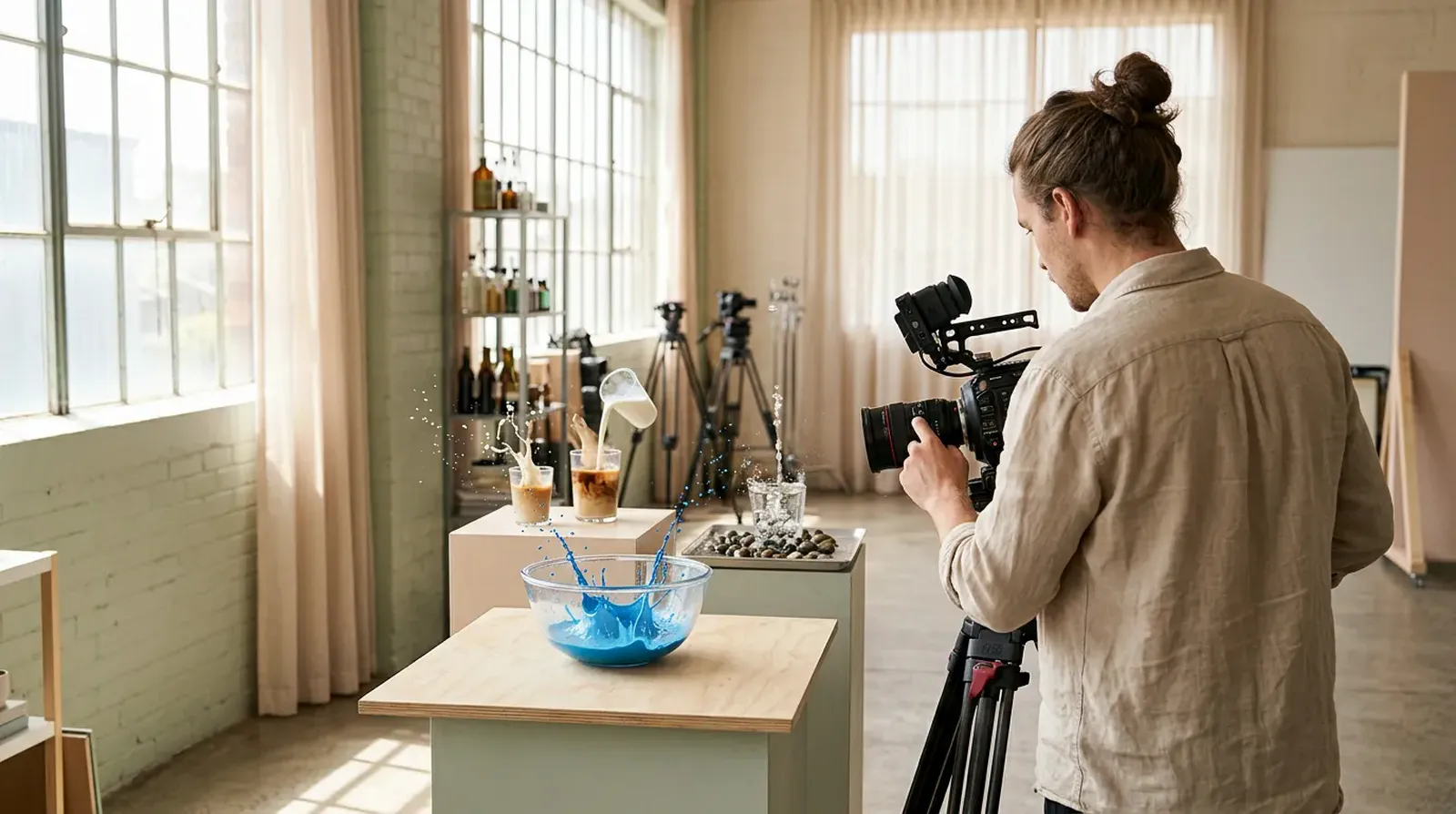
Slow down moments that change fast. Good subjects are liquids (a splash, a pour, a drop into milk), particles (ice shards, powder, sparks, dust in a beam of light), impacts (a ball into a net, a can through ice), and hair and fabric (a head turn, a dress in the wind).
The frame math on a pour clip#
Start with a 30 fps phone clip of liquid leaving a bottle.
- At 0.25x (4x slower), 30 ÷ 4 = 7.5 distinct frames per second.
- At 0.5x (2x slower), 30 ÷ 2 = 15 distinct frames per second.
- Both stutter, because each frame stays on screen longer.
- Interpolation estimates the in-between frames, so the count climbs back toward 30.
At 0.5x in Speed, 15 distinct frames per second is visible but tolerable on a pour. A deeper slowdown on footage needs interpolation, or a generated clip.
Checklist before you start#
- A Looptake account with a prepaid balance.
- A clip you shot, or a prompt idea: the subject, the action, the moment to stretch.
- A target platform. For TikTok, Reels or Shorts, plan a 9:16 frame. If you sell products, the guide to AI product videos for ecommerce covers the shots around this one.
Setup takes a few minutes with a funded balance. Each generated clip then takes the provider’s render time.
What it costs#
Looptake’s pricing page states: “You see the price before you run, and a failed run costs nothing.” Credits never expire, and you can top up from $5.
The model page shows the rate per second, so a 5 second clip costs 5 times that rate.
How to make slow motion AI video: step by step#
You make a slow motion AI video by picking one path, retiming footage you shot or generating the shot, and then following eight steps that end in a 9:16 export.
- Pick the path. Use Speed if you already have a 30 fps clip and want a modest stretch. Generate the clip if you only have a product photo or an idea. You should know your path before you spend any credits.
- Shoot or write the prompt. If you shoot, use bright light, a steady phone, and an action that starts in the first second. If you generate, use the prompt formula that follows these steps. You should end up with a 5 second take or a prompt of one or two sentences.
- Compare models in Lab on one prompt. Paste the prompt into Lab and run Kling 3.0 Pro, FLUX 3 Video, Seedance 2.0 and Gen-4.5. Liquids and particles are hard to draw, so keep the best of two or three takes. You should see clips side by side that differ in droplet shape, ice and light.
- Generate in Video. Run the winning model from text, or load your product photo as the start frame. Keep the clip at 5 seconds with the impact in the first second. You should see the burst early and the rest of the clip settle.
- Retime footage with Speed. Set 0.5x on your shot clip, with pitch kept. You should see smooth half-speed motion and hear no chirp in the audio. Skip this step for a generated clip, which already looks slow.
- Join clips. Place normal speed, then the slow insert, then normal speed again. A 3 second insert works as B-roll (see the guide to AI B-roll). You should see one continuous clip with a single slow beat in the middle.
- Add Caption and Music. Run Caption on the joined clip, then add a track with Music. You should see word-timed captions and hear music under the clip.
- Reframe to 9:16 and export. Skip Reframe if you generated at 9:16. Otherwise set 9:16 and check the subject stays centered. You should see the full vertical frame with the splash or pour inside it.
The prompt formula#
Write five parts in order: subject, action, moment to stretch, camera angle, light. Then add ‘ultra slow motion’ or ‘extreme slow motion’.
Use ‘frozen mid-air’ for particles, and rim light or backlight so each drop shines. Choose one slow camera move such as a push in, because a fast move fights the slow action.
Example prompts:
- Pour: Close-up of thick honey pouring from a wooden dipper onto pancakes, the moment the stream folds and spreads, ultra slow motion, low side angle, slow push in, warm backlight from a window. 5 seconds, 9:16.
- Splash: A ripe lemon drops into a glass bowl of water, a crown-shaped splash frozen mid-air, droplets above the rim, extreme slow motion, eye-level, slow push in, bright white backlight. 5 seconds, 9:16.
- Product reveal: Macro product shot: a cold unbranded aluminum can bursts up through a mound of crushed ice, droplets and ice shards frozen mid-air around it, bright white backlight, condensation on the metal, ultra slow motion, slow push in. 5 seconds, 9:16.
The prompt controls the look: the speed wording, the camera and the light. It cannot set an exact frame rate, and 5 seconds of video still plays for 5 seconds.
If you run the can prompt in Lab on four models, expect the ice and droplets to differ most. Pick the take where the shards stay separate and the backlight hits the condensation, then regenerate it in Video.
Five worked examples#
| Example | Shot setup | Prompt or speed setting | Clip length | What you should see |
|---|---|---|---|---|
| Pour | Phone on a tripod, 30 fps, side light | Speed 0.5x | 3 s shot, plays 6 s | The stream folds smoothly |
| Splash | Generated, lemon prompt above | Video, ‘extreme slow motion’ | 5 s | Crown splash with drops hanging |
| Jump | Phone, 30 fps, outdoors | Speed 0.5x on the peak only | 1 s cut, plays 2 s | Longer hang time, limbs may blur |
| Product reveal | Start frame from a product photo | Can prompt above | 5 s | Burst in the first second, glowing drops |
| Beat drop | Phone, 30 fps, hands or confetti | Speed 0.5x, back to normal on the beat | 1.5 s cut, plays 3 s | Motion slows into the drop |
Vertical delivery#
Deliver every clip at 9:16 for TikTok, Reels and Shorts. In a 15 to 30 second short, put the slow moment at the payoff, or in the first 3 seconds as the hook. In a 60 second short, put it at the payoff and cut back to normal speed after 3 seconds.
Plan speech at a rule of thumb of 150 words a minute: 150 / 60 = 2.5 words a second, so a 15 second short holds about 37 words. If 3 seconds of it is a silent slow insert, you have 12 × 2.5 = 30 words.
A 60 second short with the same insert holds 57 × 2.5 = about 142 words.
A 1.5 second moment slowed to 0.5x fills 3 seconds and shifts every later caption by 1.5 seconds. Run Caption after the final edit.
For sound, ask the model for ‘a deep slow whoosh, a muffled low impact, then silence’, or keep the clip silent and lay music over it. The AI sound effects guide covers more cues.
When the clip is ready, make your first video and try the steps on a single pour or splash.
Common slow motion AI video mistakes and how to avoid them#
The most common slow motion AI video mistakes come from asking too few frames, or too many seconds, to do the work, and each has a short fix.
-
You slow a 30 fps clip 4x and expect smooth playback. Without new frames it drops to 7.5 distinct frames per second, and even 0.5x leaves 15. For anything slower, generate the shot slow with the Video tool instead of stretching footage.
-
You interpolate fast or hidden motion. Made-up in-between frames have little to match when a hand crosses a bottle or a liquid edge breaks apart, so you see ghosting or warping. Shorten the slowed section, pick a calmer take, and step through hands and liquid edges before you export.
-
You treat generated slow motion as a real retime. You can’t set an exact speed in a generated clip. Put “ultra slow motion” and “frozen mid-air” in the prompt, then compare models on the same prompt in Lab.
-
You ask for more seconds than the model allows. Read the model’s documented duration limit and cut your plan to fit. Generate a second clip for the next beat, then join the two with Join clips.
-
You stretch slow motion across the whole short. Limit it to the key beat, such as the impact, and put that beat early so it doesn’t arrive late or get cut off. Use one slow camera move, and add backlight, or the drops read flat.
-
You let the model draw text or logos on the product. Generated lettering often comes out wrong. Leave the label blank in the prompt and add text in the edit with Caption.
-
You skip the AI label on a generated clip. Read TikTok’s AI-generated content label rules, Meta’s AI info labels and YouTube’s disclosure for altered or synthetic content. Footage you shot and only retimed may not need a label, so check each platform’s wording before you decide.
How to check that your slow motion video worked#
You check a finished slow motion AI video by running six tests on the exported 9:16 file, each with a pass condition, in about five minutes.

- Play the slowed section at full screen on your phone and watch hands, liquid edges and product edges. Pass: edges stay solid, with no ghost trail behind the splash and no bending on the bottle outline. If edges warp, regenerate the clip or set Speed closer to 1x.
- Compare clip length with the voiceover. At about 150 words per minute, a 10 second clip holds 25 spoken words (150 ÷ 60 × 10). Pass: the last word ends before the clip does. Remember that 0.5x turns a 5 second clip into 10 seconds.
- Check the framing and caption position. Pass: the file is 9:16 and captions sit clear of the username, buttons and caption area of TikTok, Reels and Shorts. Test caption fit with the caption length checker.
- Watch the first second. Pass: the impact or slow moment starts in the first second, not after a setup shot. Then play the sound with your eyes closed. Pass: no restart or jump at a cut.
- Compare the AI label setting with the clip. A generated clip gets the label. For retimed real footage, check the platform’s current rules on the upload screen.
- Open your balance. Pass: each charge matches the price shown before the run, or less.
Frequently asked questions#
How do I make slow motion AI video from text?#
Describe one subject, one action and the moment to stretch, add a camera angle and light, and generate in the Video tool from text or a start frame. Words such as “ultra slow motion” and “high-speed camera” steer the look.
Can Speed make 4x slow motion?#
Speed can’t reach 4x. Its slowest setting is 0.5x, half speed, and a 4x slowdown would need 0.25x.
At 0.5x a 4 second clip plays for 4 ÷ 0.5 = 8 seconds. Speed stretches the frames you have and doesn’t interpolate new ones.
Is generated slow motion a real retime?#
Generated slow motion is a look the model renders, not a retime of real footage. Interpolation and generation can both ghost or warp on fast or occluded motion, and every model caps clip length. Compare two or three models on one splash prompt in the Lab.
Do I have to label an AI slow motion clip?#
A generated clip can need an AI label, and the rules differ by platform. Read the AI-content help pages for TikTok, Instagram and YouTube before you post, and check them too if you only retimed your own footage.
Does a failed generation cost credits?#
A failed job costs nothing, and its credits go back to your balance, per the Looptake FAQ. Editing, including Speed, uses no credits. Rerun the prompt with new wording until the splash holds.
Your next steps for slow motion AI video#
Today: write one slow-motion prompt with a subject, an action, the moment to stretch, a camera angle and light. Run it in the Lab on two or three video models, then keep the clip where the liquid or impact reads cleanest.
This week: cut that clip into one 9:16 short. Use Speed to retime it, Join clips to add a second shot, Caption for word-timed text and Music for a track, then export at 9:16.
After that: repeat the routine with a second subject, such as a product reveal, and compare how long viewers stay on each short.
Run your first slow motion AI video prompt now: make your first video. The AI video generator page shows how one prompt becomes a finished short.