To make miniature AI videos, write a prompt with a visible scale cue, a high camera angle, shallow depth of field and one motion. Render a 9:16 clip of 10 to 15 seconds from text or a start frame, add sound and captions, then apply the platform’s AI label before you post.
Thumb-sized workers frosting a cake and a whole city built on a kitchen table are the miniature AI videos filling short-form feeds. First renders often look like ordinary small objects, or they play silent while the scale drifts mid-clip.
The steps here take you from a one-sentence idea to a labeled clip on TikTok, Reels or Shorts, with fixes for the renders that go wrong.
Key takeaways#
- Give each clip one motion and three to six tiny people, so figures don’t melt or merge.
- A start frame from an image model keeps the table, cake and light in place across renders.
- A fixed reference object, such as a fork or a coin, stops the scale drifting mid-clip.
- Describe sound as small, high and close, so a toy truck gets a little siren instead of a full-size engine.
What makes miniature AI videos look small#
Before you start making miniature AI videos, decide which of two looks you want: a tiny-world diorama or a figurine transformation.
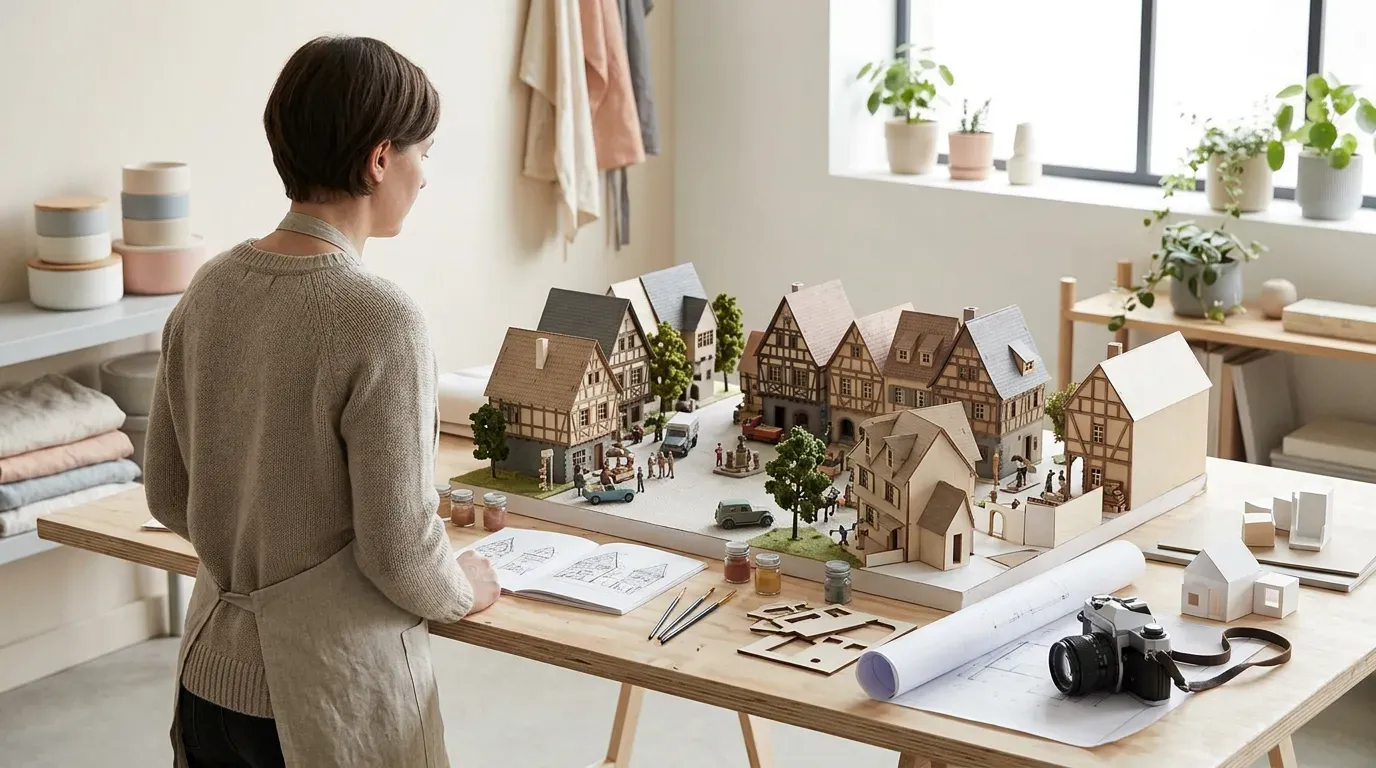
A diorama shows a tiny scene, such as thumb-sized workers frosting a cake, and can start from text alone. A figurine turns a real subject, such as a pet or a portrait, into an action-figure style model, so it needs a photo of that subject.
Both looks borrow from tilt-shift photography. A tilt-shift lens keeps a narrow plane of focus sharp and blurs everything in front of and behind it. Your eye links that blur with close-up shots of small objects, so a big scene reads as a model.
Film a street from a rooftop and focus on one car, and the cars beside it soften. The high angle turns the street into a tabletop, and bright, saturated color makes it look like a lit toy set.
A miniature prompt asks the model for these cues directly: shallow focus, a high angle and saturated light.
What you need#
You need a one-sentence idea, a video model, an optional image model for a start frame, a Looptake account with credits and time for four passes.
- Write an idea in one sentence: the subject and its tiny task, such as “workers frost a cake.”
- Pick a video model. The catalog has Veo 3.1, Veo 3.1 Fast, Veo 3.1 Lite, Seedance 2.0, Seedance 2.0 Mini, Kling 3.0 Pro, Hailuo 3 and Wan 3.0.
- Optionally, pick an image model for a start frame, such as Nano Banana 2, GPT Image 2 or FLUX.2 Pro.
- Open a Looptake account and add credits.
- Set aside time for four passes: write the prompt, compare models in Lab, render the pick, then finish with sound and captions.
How to make miniature AI videos: step by step#
You make a miniature AI video by writing one scene idea, testing it across models in Lab, rendering the best take as a 9:16 clip, then adding sound and captions.
-
Write the idea in one sentence with a job, a problem and a reaction. “Thumb-sized firefighters put out birthday candles, and one candle relights” works.
The crew does the job seriously, and the twist comes from the big world: a trick candle, a cat’s paw or a falling crumb. Other ideas: a crew builds a sandwich with cranes, or a rescue team abseils down a glass to save a fallen olive. The guide to twist ideas has more ways to raise the surprise.
-
Choose text-to-video or image-to-video. Text-to-video is faster, but the set changes on every render.
Image-to-video starts from a still, so the table, the cake and the light stay put. Make the still in the Image tool, then animate it in the Video tool.
-
Write the prompt in this order: subject, scale cue, camera move, lighting, lens language, motion verb, clip length, 9:16. Start with “miniature tilt-shift macro video”, the strongest cue.
Add a known object (a cake, a coffee cup, a pencil, a thumb) and a size word for each character. Keep the crowd to three to six tiny people, because thirty blur into shapes. Four complete prompts:
- Food: Miniature tilt-shift macro video, vertical. Six thumb-sized farmers harvest sesame seeds from a burger bun beside a coffee cup, high angle, bright soft macro light from above, shallow depth of field, slow push-in, one farmer sweeps seeds into a basket, 10 seconds, 9:16.
- Construction: Miniature tilt-shift macro video, vertical. Five thumb-sized builders stack a sandwich with two toy-sized yellow cranes beside a pencil, high angle, soft daylight, shallow depth of field, slow pan right, one crane lifts a tomato slice, 10 seconds, 9:16.
- City: Miniature tilt-shift macro video, vertical. A toy-sized city on a kitchen table beside a thumb, four tiny pedestrians cross a street made of tape, high angle, warm saturated light, shallow depth of field, slow orbit, a tiny tram glides past, 12 seconds, 9:16.
- Nature: Miniature tilt-shift macro video, vertical. Four thumb-sized hikers in red jackets cross a mossy log beside a pinecone, high angle, soft morning light, shallow depth of field, slow tracking shot, one hiker steps over a fern, 10 seconds, 9:16.
-
Edit a working prompt phrase by phrase instead of copying it whole. Take this Seedance 2.0 Mini prompt: “Miniature tilt-shift macro video, vertical. From the very first frame a tiny toy-sized red fire truck with flashing lights races across a kitchen table toward a big birthday cake with lit candles.” Thumb-sized firefighters then put out the candles, and one relights.
- “Miniature tilt-shift macro video” blurs the top and bottom of the frame like a lens close to a small object.
- “From the very first frame” puts the scale cue in the first second.
- “Toy-sized” and “birthday cake” give the size word and the known object.
- “Races across” is the one motion. If the scene stops looking small, restore these phrases first.
-
Open Lab, paste the prompt and pick your models. Lab runs one prompt on up to six models of one kind, as the Lab docs describe. You see the same scene from each model, so you choose before the final render.
-
Render the winner in the Video tool and make two or three takes. Keep the take where the truck stays toy-sized and the tiny people don’t change shape.
-
Write narration to length. At a rule-of-thumb 150 words per minute, 10 seconds holds 150 x 10 / 60 = 25 words, and 15 seconds holds about 37.
Add a few seconds of music in the Music tool, or ambient sound. Write “small, high, close” in the sound prompt so the truck gets a little siren, not a full-size engine.
-
Add word-timed captions with the Caption tool, then use Reframe to export 9:16 for TikTok, Reels and Shorts. To pick a look, see these caption styles for short videos. Turn on each platform’s AI-content label when you upload.
-
Keep the same set and change the tiny task: firefighters this week, a rescue team on a glass next week. Schedule each clip in Calendar, or set recurring posting in Automations; the guide to auto-posting to TikTok covers drafts and scheduling. According to Looptake’s FAQ, scheduling, posting and editing use no credits.
Compare your prompt across models and render the best one: Make your first video with Lab and the Video tool.
Common mistakes and how to avoid them#
Miniature AI videos fail in seven predictable ways: scale drift, morphing figures, odd physics, a lost miniature look, stacked camera moves, silence and a copied prompt. Each one has a phrase to add or remove.
-
The fork grows or the cake shrinks halfway through the clip. Add a fixed reference object, such as “a metal fork lying beside the cake” or “a coin on the table”, and make “slow push-in” the only camera move. When it works, the fork stays the same size from the first frame to the last.
-
Tiny people melt, merge or gain limbs. Cut the crowd to one or two figures, give them one motion verb (“frosting”), and render a shorter clip. For a consistent set, make the start frame in the Image tool, then use image-to-video.
-
Liquid and blades behave strangely, usually in pour, cut and drip actions. Simplify the action (“holding a syrup bottle beside the cake” instead of “pouring syrup”) or render the finished state as a still and animate it.
When a cut or a pour is the whole point of the clip, follow the guide to AI ASMR videos.
-
The scene reads as ordinary small objects. Raise the camera (“high angle, looking down at 45 degrees”), narrow the focus (“shallow depth of field, blurred foreground and background”), and add “macro lens” or “tilt-shift”.
Then push the color with “saturated colors, bright daylight”. The top and bottom of the frame should blur while the middle stays sharp.
-
The camera does too much. A prompt with “orbit, zoom in and tilt down” gives a clip that wanders. Keep one move per clip and delete the rest.
-
The clip plays silent. If your model produces audio, add a sound line to the prompt (“soft kitchen ambience, a faint clink of metal”). Otherwise add a few seconds of music and captions after the render.
-
A copied prompt keeps someone else’s scale cue. If it says “thumb-sized workers beside a coin” and your set has a salt shaker, the size relationship breaks. Replace the reference object with one that is in your frame, and match the size phrase to it.
Looptake’s FAQ says a failed job costs nothing and its credits go back to the balance. Change one phrase per retry, so you know which edit fixed the problem.
How to check that your miniature AI video worked#
You check a miniature AI video by running seven pass or fail checks on the exported file, in your own account’s draft preview, before you post.
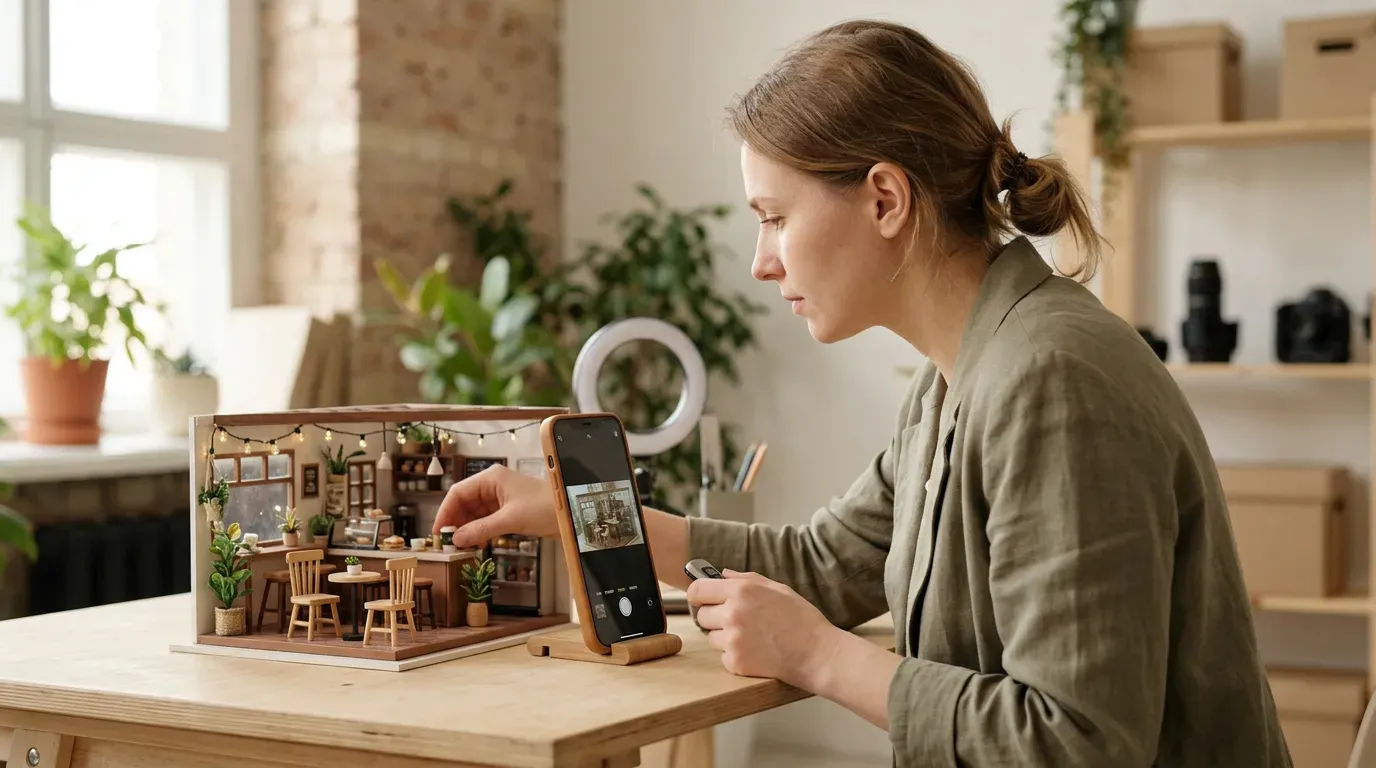
Play the clip on your phone with sound on and run each check. Fix any row that fails and re-export.
| Check | Pass condition |
|---|---|
| Scale cue in the first second | A fork, a candle, a crumb or a hand is visible before second 1 ends, so the tiny people read as tiny |
| One motion per clip | You can describe the clip’s action in one verb phrase, such as “frosts the cake”, and no figure changes shape |
| Loop-ready ending | The last frame is close to the first, so the replay doesn’t show a jump |
| Sound or music present | You hear music or ambient sound from the first second, at a level that doesn’t cover a voiceover |
| Captions inside the safe zone | In the draft preview, no caption sits under the app’s buttons or caption text |
| 9:16 export | The file plays full screen with no black bars |
| AI label applied | The label or disclosure toggle is on in the draft before you publish |
The scale cue comes first because, as our viral content principles explain, the opening second decides whether the loop gets watched at all.
Apply the AI label#
Each platform words its rule in its own help pages, and the wording changes, so read the current text in each app before you post.
- TikTok: the newsroom post on new labels for disclosing AI-generated content describes a label that helps creators label their AI-generated content. In the app, find the AI-generated content setting on the post screen and switch it on.
- Instagram: Meta’s newsroom post on labeling AI-generated content covers the label, which the page now calls “AI info”. Check the post’s advanced settings or the share screen for the disclosure option.
- YouTube: the Help page on disclosing GenAI content says: “We require creators to disclose AI-generated or altered content that seems realistic.” In YouTube Studio, answer the altered content question in the video details before you publish.
A realistic-looking clip is the case where the rule bites hardest. The found-footage AI videos guide covers that label rule in detail.
If you schedule with Looptake, connect your TikTok, Instagram and YouTube accounts in Publish. Open Posts or Calendar and read the caption and the label setting for each account before the scheduled time. Every account’s draft should show the same caption and a label.
Frequently asked questions#
How long should a miniature AI video be, and how many words fit?#
At a rule-of-thumb 150 words per minute, a 10 second clip fits about 25 spoken words and a 15 second clip about 37. Miniature clips often need fewer, because the motion carries the story. Write the narration last, then trim it until it fits the clip length.
What’s the difference between a tiny-world diorama and a figurine video?#
A diorama is a whole tiny scene, such as thumb-sized workers frosting a cake, and it can start from text. A figurine starts from a photo of a real pet or person and turns it into a toy-like model. Dioramas read as small through shallow depth of field, a high camera angle and saturated light, while figurines depend on the toy look of the subject itself.
Which model should I start with?#
Start with whichever model holds the scale best for your scene after one prompt runs through several in Lab. Candidates in the catalog include Veo 3.1, Seedance 2.0, Kling 3.0 Pro, Hailuo 3 and Wan 3.0. Judge each clip on its scale cue and its motion.
How are credits charged, and do they expire?#
Looptake’s pricing page says, “You see the price before you run, and a failed run costs nothing.” Per Looptake’s FAQ, credits never expire, you can top up from $5, and 1 credit = $0.001. Prices follow each model’s provider, so render a short test clip before you commit to a final one.
Make your first miniature AI video today#
Make your first miniature AI video today by writing one scene prompt and running it in Lab.
Give the prompt a scale cue, such as a fork beside thumb-sized bakers, plus a high angle, shallow depth of field and one motion. Run it on Veo 3.1, Seedance 2.0 and Kling 3.0, and keep the model where the scale cue shows in the first second.
This week, render the winner at 9:16 and 10 to 15 seconds. Add sound and captions, apply the platform’s AI label, and post one clip.
Next week, keep the same set and give the workers a different tiny task. Schedule the run in Calendar, or set it to repeat in Automations.
Start your first set of miniature AI videos in Looptake, using the scene you wrote today.
Sources#
TikTok: new labels for disclosing AI-generated content · Meta: labeling AI-generated content and manipulated media