For AI video camera movement that looks held by a person, give each clip one primary move and say where it ends: handheld drift, crash zoom, whip pan, walk-back follow, frame block, exposure shift, focus hunt, peek, orbit and push in. Let cuts between clips do the work of stacked moves. A prompt guides the camera path but doesn’t fix it exactly.
A 9:16 clip made from a prompt often looks flat or too smooth, as if no person filmed it. The camera does nothing planned, or it drifts at random. Planning the AI video camera movement fixes both.
Each of these ten moves does a job in a vertical video. After reading, you can write a prompt for each one and pick the right move for a hook, reveal, transition or product shot.
Key takeaways#
- Generate sideways moves at 9:16, because cropping a 16:9 clip cuts a pan’s travel.
- Whip pan, frame block and crash zoom can hide the cut between two clips.
- A Lab run compares up to six models on one prompt, so you can see which one follows the move.
- A failed job costs nothing, and its credits go back to your balance.
How we picked the ten camera moves#
We picked the ten camera moves with four checks you can run yourself: each move is something a camera operator or a phone does, has a plain definition, has a job in a 9:16 video, and has one stated limitation.
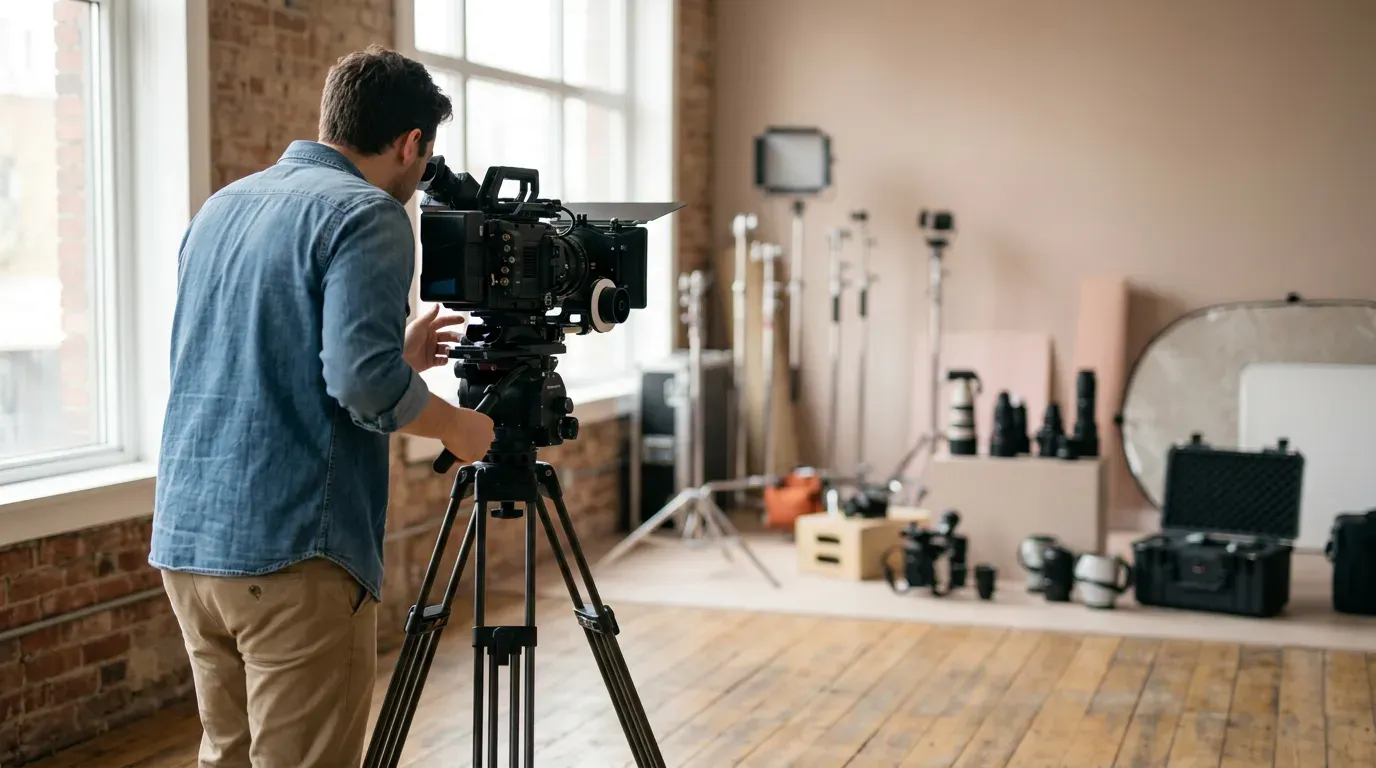
A move also has to read as human. Shake, late focus and late exposure are what a hand and a phone sensor produce, so a clip that includes them looks filmed.
The ten moves draw on these camera terms:
- Push-in (dolly in) and pull-back (dolly out): the whole camera travels toward or away from the subject, so perspective and depth shift.
- Zoom: only the focal length changes. The camera stays where it is.
- Pan and tilt: the camera turns left or right (pan) or up or down (tilt) from a fixed spot. A truck slides the whole camera sideways.
- Tracking: the camera moves with a walking or moving subject. Orbit circles the subject.
- Crane or rise: the camera lifts up and away.
- Handheld: the small drift of a person’s hands. Static: a locked frame.
Complex moves such as a whip pan are harder to get than a slow push-in, so you may need to generate a clip more than once.
Google’s Veo prompt guide treats camera motion as its own part of a prompt. Each move here is one named instruction.
The dolly zoom is the move we left out. A dolly zoom runs a dolly and a zoom in opposite directions in one clip, which is two camera instructions at once. It also reads as a film effect rather than something a phone does, so it fails the first check.
Ten camera moves for AI video#
The ten moves are the Lab Director’s camera moves, and each prompt uses the same formula: subject, setting, one move, a speed word and where the move ends. Add what the camera does and what stays fixed.
For the other parts of a prompt, see our eight-part guide to writing an AI video prompt. In the Lab, the moves are chips in the Director’s camera field. Add them after your own camera line.
1. Handheld drift#
The Director’s line: “Small natural shake, like a phone in a hand.” Best for a reaction shot that has to look shot on a phone. The limit: the amount of shake is a guide, and too much reads as blur. Our found-footage guide covers fuller handheld looks.
Prompt: A barista wipes a cafe counter in morning light, handheld drift with a small natural shake, gentle pace, ending settled on a steaming cup while the counter stays fixed.
2. Crash zoom#
The Director’s line: “A sudden fast zoom onto the moment.” Best for hitting a beat in a hook. The limit: a zoom only changes focal length, so the background doesn’t shift and the shot reads flat.
Prompt: A market stall owner lifts a crate of lemons, crash zoom, very fast, ending tight on the lemons at the center of the frame while the stall stays fixed.
3. Whip pan#
The Director’s line: “A fast turn toward something unexpected.” Best for a transition between two clips. In 9:16 a whip pan has less horizontal room, so keep the target close. The limit: it is one of the harder moves to get, and models often slow it down.
Prompt: A person walks down a busy street, whip pan, very fast, from the walker to a bakery window on the right, ending steady on the window.
4. Walk-back follow#
The Director’s line: “The operator walks backwards in front of the subject.” Best for a before and after walk-through, because it keeps a face in the top third of a tall frame. The limit: the face can drift out of frame, so name where it stays.
Prompt: A waiter carries a tray of drinks across a restaurant floor toward the camera, walk-back follow, steady walking pace, ending at the bar with his face in the top third.
5. Frame block#
The Director’s line: “Someone passes close to the lens.” Best for hiding the cut between two clips. The limit: the passer can linger and cover the subject for too long, so say when the frame clears.
Prompt: A dog sits by a flower bed in a garden, a passerby in a green jacket crosses close to the lens, quick, ending with the jacket filling the frame while the garden stays fixed.
6. Exposure shift#
The Director’s line: “The camera catches up after a change in light.” Best for a reveal at a doorway. The limit: the brightness change can appear as a flash instead of a gradual adjustment.
Prompt: A shop door opens onto a bright sidewalk, exposure shift from a dark interior to full daylight, slow, ending fully exposed on the street while the door stays fixed.
7. Focus hunt#
The Director’s line: “Autofocus searches before it locks.” Best for a close product shot that feels like a real phone. The limit: the lock can land on the wrong object, so name the target.
Prompt: A ceramic mug sits on a kitchen table, focus hunt, the focus drifts to the blurred window then locks, medium pace, ending sharp on the mug handle while the table stays fixed.
8. Peek#
In the Director: “A hidden observer, partly behind cover.” It suits a curiosity hook in the first 2 seconds. The limit: cover can fill too much of a tall frame, so keep it to one edge. It pairs well with found-footage looks.
Prompt: A florist arranges buckets of tulips, the camera peeks from behind a shelf of potted plants, slow, ending with the florist centered in the gap while the shelf stays fixed.
9. Orbit#
In the Director: “A slow circle around the subject.” It suits a product reveal, and the product stays centered in 9:16. The limit: the back of the product is invented, so check the far side.
Prompt: A pair of white sneakers rests on a shop shelf, orbit, slow, a quarter circle, ending on the front of the shoes while the shelf stays fixed.
10. Push in#
The Director’s line: “A slow move toward the subject.” Best for building attention on a product. The limit: the move is simple, so the subject has to hold interest on its own.
Prompt: A jar of honey stands on a farm stand table, push in, slow, ending on a close shot of the lid while the table stays fixed.
Camera moves compared by job#
Each of the ten camera moves has one best job in a 9:16 video, and a start frame suits some moves better than text alone.
| Move | What the viewer sees in the first seconds | Best job in 9:16 | Best input |
|---|---|---|---|
| Handheld drift | Small shake, like a phone held in a hand | Reaction | Text |
| Crash zoom | Fast jump toward a face or a product | Hook, transition | Start frame |
| Whip pan | A blur sweeps sideways | Transition | Text |
| Walk-back follow | The camera backs away as a person walks toward it | Hook, reaction | Text |
| Frame block | A hand or object covers the lens | Transition | Text |
| Exposure shift | The picture brightens or darkens | Reveal, before and after | Start frame |
| Focus hunt | Blur sharpens onto one subject | Product | Start frame |
| Peek | The camera edges past a doorway or shelf | Reveal | Text |
| Orbit | A product turns and stays centered | Product | Start frame |
| Push in | A slow close-up on one detail | Hook, reaction | Start frame |
Text-only works when the move builds the composition as it goes. A whip pan, a peek and a walk-back follow have no fixed opening picture, so the model can invent one.
A start frame suits moves that need a known subject in a known spot, such as orbit, push in, focus hunt and exposure shift.
The frame fixes where the bottle or the mug sits before the camera moves.
Three moves hide a cut in motion: whip pan, frame block and crash zoom. End clip A with the move and start clip B with the same move, so the viewer’s eye follows the motion across the join. Our AI video transitions guide covers the clip pairing in detail.
The hook moves (crash zoom, walk-back follow and push in) carry the opening seconds. For what the first 2 seconds must do, see our viral content principles.
Models differ in how closely they follow camera wording. The Looptake catalog describes Kling O1 as “Reasoned shots that follow long prompts” on its model page.
For the other video models, run your own prompt in the Lab and compare the clips side by side. Price depends on the model, so check it before you commit to one.
How do you choose the right camera move for your clip?#
You choose a camera move by matching the job of the clip to one move, then picking an input, a frame shape and a finishing step that suit it.
Start with the situation:
- Product reveal: orbit or push in.
- Before and after: exposure shift in one clip, or a whip pan or frame block across the cut.
- Scroll-stopping opener: crash zoom.
- Reaction: handheld drift or push in.
- Found footage: handheld drift or peek.
- Vlog: walk-back follow.
A start frame is the picture the clip begins from, so the composition is fixed before the camera moves. Text-only gives the model more freedom over that first frame. Our image-to-video prompt guide covers how to write for a start frame.
A tall frame changes how a move reads. A pan sweeps a shorter distance in 9:16, while a tilt up has more height to travel.
Generate at 9:16 when you can. If you already have a 16:9 clip, Reframe cuts it to 9:16, 1:1, 4:5 or 16:9.
Reframing crops the sides and cuts a pan’s travel, while moves along the depth axis survive a crop better. Check that the subject stays centered through the whole move, because a pan that looked fine wide can push the subject out of a tall crop.
- Pick one move for the clip.
- Pick the input: a start frame for a product that must look exactly right, text-only for loose, handheld moves.
- Set 9:16 in the Lab before the run, and give the Video tool either text or a start frame.
- Reuse a move that worked. Motion clone in Studio copies the camera path from a reference clip onto your subject. Remix swaps the subject and keeps the shot.
- Chain clips. Join clips takes up to ten clips and a track under them, and Speed changes a clip from 0.5x to 2x.
Stacked moves in one clip are the usual reason a model ignores the camera instruction. A cut between two clean moves reads as editing. Our multi-shot AI video guide shows how to plan the sequence.
When no situation fits, use the default: a slow push in from a start frame. It works on a product, a counter or a street corner, and it gives the viewer one clear thing to watch.
A 6 second clip has room for one short spoken line of about 15 words, at a rule-of-thumb 150 words per minute.
For a finished short around the clip, the AI video generator adds the hook, script, voice and captions. To run your default move, make your first video.
Frequently asked questions#
What do I do when the AI video model ignores my camera instruction?#
Name one move, say what the camera does, say what stays fixed, and say where it ends. Keep the subject in frame and use one primary move per clip.
Camera control is guided by text and start frames, so the path can differ from your wording. If it still drifts, try another model in the Lab.
Is a dolly in the same as a zoom in?#
No. A dolly in moves the whole camera toward the subject, so perspective and depth shift, while a zoom changes focal length only and magnifies a flat image. Prompt the one you want by name, because the two give different parallax.
Can I combine two camera moves in one prompt?#
Two moves in one clip tend to give a muddled path. Generate two clips with one move each, then cut between them. Complex moves such as a dolly zoom or a whip pan are harder to get even on their own.
Does a start frame help with camera moves?#
A first frame fixes the starting composition, so the move begins from a picture you chose instead of a guess. Describe only what the camera does from there and what stays fixed. The model still decides the path, so check the last frame of the clip.
Which model follows camera prompts best?#
Check each lab’s own prompt guidance, since camera wording differs by model. Then run the same camera prompt across several models in the Lab and keep the clip whose path matches your wording. Compare where each clip ends, as well as how it starts.
Do I need to label AI video?#
Realistic AI footage often needs a label. TikTok, Instagram and YouTube each have their own rules: read TikTok’s post on labels for AI-generated content, Meta’s approach to labeling and YouTube’s page on disclosing altered or synthetic content. A clip made to look like real camera footage is the case where a label matters most.
What should you do next with AI video camera movement?#
Your next step with AI video camera movement is one clip with one planned move, tested across models and ready to post by the end of the week.
- Today: pick one move from the list and write its prompt with all five parts. Say what stays fixed and where the move ends. Generate one 9:16 clip.
- This week: run that same prompt across several models in the Lab and keep the model that follows the camera instruction.
- Then: chain your single-move clips with Join clips (up to ten) and let each cut replace a second move.
- Before you post: check the AI label rule on TikTok, Instagram and YouTube.
Start with the move that fits your next video’s job, whether that’s a product reveal, a before and after, or a hook in the first 2 seconds. Make your first video with one move and one prompt, and compare the result against the clip you would have posted without a planned camera.