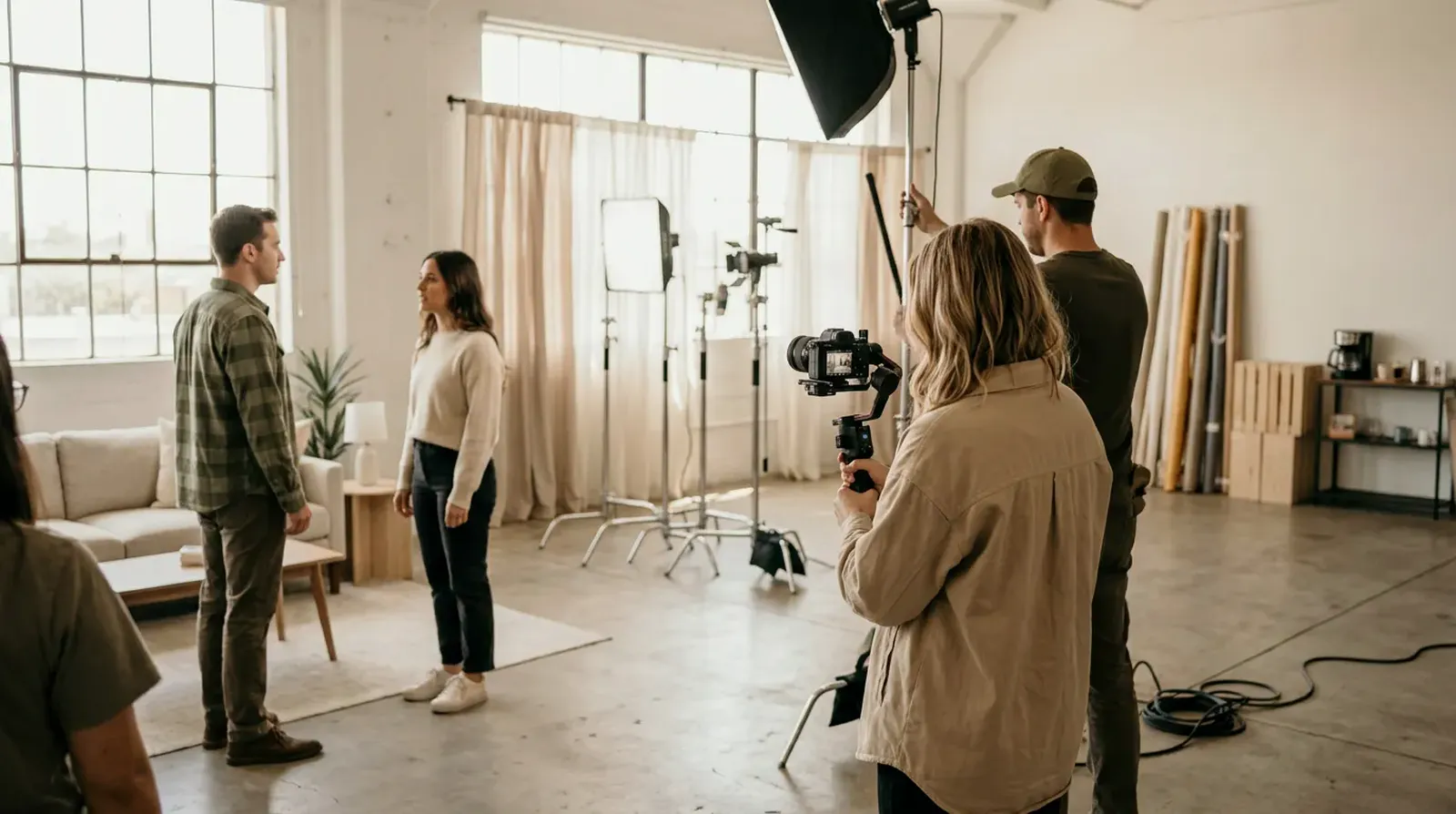
To make an AI movie trailer, write a five-beat script (hook, setup, escalation, title card, closing line), test the script and hook as a text-only short, then render one clip per beat. Add a voiceover and a score, join the clips, caption them, and export at 9:16 for Shorts, Reels and TikTok, the default format. Label the finished video as AI-generated when you post.
You have a one-line idea for a film, a book or a game, and you want a trailer for it on TikTok, Instagram Reels or YouTube Shorts. Generated clips cost money, so the hook and script get tested as plain text before any clip is rendered.
The result is a 9:16 trailer of about 45 seconds, with its cost worked out before you render and the AI labels set.
Key takeaways#
- Budget about 100 voiceover words for 45 seconds, and let pauses and the score fill the rest.
- Plan at least six clips for 45 seconds, one shot each, and cut on action between them.
- Keep one hero face by reusing the same reference image and description in every prompt.
- Write an original cast and world, and never name a real actor or franchise in a prompt.
What you need before you start: format, tools and cost#
Before the first prompt of an AI movie trailer, you need a trailer type and frame, a Looptake account with credits, and a cost estimate. A first trailer fits in one sitting.

Wikipedia describes a film trailer as a short advertisement, first made for feature films.
Pick the trailer type and frame#
| Trailer type | Frame that fits |
|---|---|
| Movie | 16:9 for horizontal YouTube, 9:16 for a teaser cut |
| Short film | 16:9 |
| Book | 9:16 |
| Game | 16:9 for YouTube, 9:16 for a gameplay teaser |
| Product | 9:16, or 4:5 and 1:1 for feed posts |
| Channel | 9:16 |
YouTube Help says Shorts can be up to 3 minutes long. Use 9:16 for Shorts, Reels and TikTok, and 16:9 for horizontal YouTube.
The Reframe clip tool outputs 9:16, 1:1, 4:5 or 16:9 at 0 credits, according to the Lab docs, so one render can serve several feeds.
For a 21:9 cinema frame, use Seedance 2.5, FLUX 3 Video or Hailuo 3. Veo 3.1 makes only 16:9 and 9:16. The guide to AI video aspect ratios covers the rest.
Gather tools and accounts#
You need a Looptake account with credits, a notes file for the script, and the TikTok, Instagram or YouTube account you will post to.
In the Lab you compare models on one prompt, then use Video, Speech, Music, Join clips and Caption. Some models make several shots in one clip.
Know what it costs#
Looptake’s pricing page states the rule: “You see the price before you run, and a failed run costs nothing.” One credit is $0.001, so 1,000 credits are $1.
The Looptake FAQ says a failed job costs nothing and its credits go back to the balance. Scheduling, posting and editing use no credits. Text-only formats use no AI media, so they cost only the writing.
Veo 3.1 makes clips of 4 to 8 seconds, so plan one shot per clip. A 45-second trailer then needs at least six clips (45 / 8 = 5.6, rounded up). Testing the script as text first means you pay for those six clips only once.
How to make an AI movie trailer: step by step#
You make a 45-second vertical AI movie trailer by writing five beats to a word budget, rendering one clip per beat, and adding voice, score and a title card in the edit.
Looptake plans scripts at about 150 words per minute, close to the 150 to 160 words per minute recommended for audiobooks. That is 2.5 words per second.
| Beat | Time | Voiceover words |
|---|---|---|
| Hook | 0 to 5 s | about 12 |
| Setup | 5 to 15 s | about 25 |
| Escalation | 15 to 35 s | about 50 |
| Title card | 35 to 40 s | title only, 0 to 3 |
| Closing line | 40 to 45 s | about 12 |
The total is 12 + 25 + 50 + (0 to 3) + 12 = about 100 words. Straight reading would fill 45 s x 2.5 = about 112 words, and the pauses take the rest.
-
Write the logline and the hook, then test them as a text-only short. A logline says who wants what and what stands in the way. Treat something small with total seriousness.
Example logline: “A lighthouse keeper in her sixties must keep one lamp lit until dawn, but the oil is gone and the storm arrives early.” Hook: “The lamp has burned for ninety years. Tonight it goes out.”
Put the hook in a Wall of text short before you pay for any clip. After five seconds you should want the next line. If you don’t, rewrite the hook.
-
Write the five-beat script to the word counts. Sample prompt:
Write a 45-second trailer voiceover for this logline: [logline]. Five beats: hook 12 words, setup 25, escalation 50, title 0 to 3, closing line 12. Short phrases, pauses marked with "...". No real names, brands or franchises.You should get about 100 words. Read it aloud against a timer and cut any beat that runs over its range.
-
Compare video models on the hook shot. Open the Lab and run one shot prompt on Veo 3.1, Kling 3.0, Seedance 2.5 and Wan 3.0 side by side. Give each prompt a subject, a lens, light, movement and one action only:
A lighthouse keeper in her sixties, yellow oilskin coat, 35mm lens, slow push-in, storm-grey dusk with lamp glow behind her, she turns her head toward the horizon. Deep low hit on the cut, wind.Keep the clip you would use as the hook. Then make each remaining beat its own run with the same Look (for example 35mm film or Neon noir) on every shot. Draft each shot at the cheapest tier and finish only the keepers.
-
Fix one face for the hero. Build a character sheet and use it as the reference for every shot, or use the Influencer tool in the Lab, which keeps one face in every post. Looptake’s AI avatars page covers recurring characters. Sample description:
Woman in her sixties, weathered face, grey braid over the left shoulder, yellow oilskin coat, small scar above the right eyebrow.You should see the same keeper in every clip. Keep every clip to one action, because longer shots tend to drift.
-
Make the voiceover in Speech and the score in Music. A trailer voice speaks in short phrases with pauses. Voice direction:
Low, slow, gravelly narrator. "The lamp has burned for ninety years... Tonight... it goes out." Hold two seconds of silence before the closing line.Music prompt:
Cinematic trailer score, 45 seconds, low drone, strings building, rising whoosh at 30 seconds, one deep hit at 35 seconds, near silence from 40 seconds, no vocals.You should have one voice file and one track that both end near 45 seconds.
-
Assemble the trailer in Join clips. Add the clips in beat order, put the score under them, and lay the voiceover over the shots. If any clip is not 9:16, run Reframe on it first.
Add the title card as text in the edit or with Caption, because long titles generated inside AI video come out misspelled. Run Caption for word-timed captions. You should end with one 9:16 file of about 45 seconds.
-
Schedule the post in Publish. Connect TikTok, Instagram and YouTube, open Calendar, and pick a time for each account. You should see three scheduled posts, one per platform, each with its own caption.
For recurring uploads, set up auto-posting for YouTube Shorts.
A text-only short also works as the first step for a book, game or product trailer.
Common mistakes when you make an AI movie trailer and how to avoid them#
The common mistakes in an AI movie trailer are five tool errors (long shots, drifting faces, rendered text, tight close-ups, early renders) and four rule errors (missing labels, misleading titles, real actors or franchises, fake testimonials).
-
You ask one clip to hold a whole scene. Cut on action between clips: end clip one mid-motion (a hand reaching for a door) and start clip two as the door opens. When it works, the join reads as one movement.
-
The hero changes face between shots. Use one face, one reference image and the same character description, word for word, in every prompt. Pause on the first frame of each clip: hair, jacket and face should match.
-
You ask the model to render words. Models garble on-screen text, so leave words out of the prompt. Add the title and the closing line with Caption or the title card in the edit, where the spelling stays under your control.
-
You frame faces and hands in close-up. Both drift when the shot is tight and long. Use wider shots and short takes, and keep the close-up for a single beat.
-
You pay for full renders before the script holds attention. Test the hook and script as a text-only short first, and render clips only for the version that keeps viewers watching.
-
You publish a realistic trailer without the platform’s disclosure. YouTube Help explains when to disclose altered or synthetic content.
TikTok’s newsroom announced “New labels for disclosing AI-generated content”, and Meta’s newsroom describes how it labels AI-generated content on its apps.
On YouTube, open the details step of the upload form and answer the altered or synthetic content question before you press Publish. Do the same check in TikTok’s and Instagram’s posting screens. When it worked, the label shows on the published video.
-
You give a trailer for an existing film a title or thumbnail that implies it’s the official one. YouTube’s spam and deceptive practices policy covers misleading metadata. Make the trailer for your own story, title it as an original concept trailer, and make the thumbnail match the footage.
-
You prompt with a real actor or a franchise. Write an original cast and world with invented names. Some models also refuse prompts that name known characters, according to Looptake’s Lab documentation.
-
You show a generated presenter as a customer. A presenter is a generated person, so it can’t give a review or testimonial. Use it as a narrator or host, and show customer footage only from real customers.
How to check that your AI movie trailer worked#
You check an AI movie trailer by running six tests on the exported file before you post and one on the retention graph afterward.

- Play the file muted. The captions alone should carry the story from hook to title card. If you lose the plot without sound, rewrite the caption lines.
- Pause at 0:03 and read the screen. A hook (a question, a threat or a striking line) should be visible. If a logo or title card fills those seconds, move the hook up.
- Count the voiceover words against the runtime. At about 150 words per minute, a 30-second trailer holds 150 / 60 x 30 = 75 words. If your script is longer, cut lines or lengthen the clips.
- Open the file properties and confirm the frame is 9:16 (1080x1920) and the runtime fits the Shorts length limit in YouTube Help. In the phone preview, the video should fill the screen with no black bars.
- Pause on one frame of each shot and compare the character’s face, hair and clothes. If one shot drifts, regenerate that clip from the same reference image.
- Read the title, description and thumbnail as a stranger would. They should name your project and say it’s an original, AI-made trailer. Then switch on the AI-content disclosure in the upload form before you publish.
- Open Publish Analytics a day after posting and read the retention graph. Find the second where viewers drop. Keep the hook that held attention and rewrite the one that didn’t for the next cut.
For hooks and retention in more depth, read Looptake’s viral content principles next.
Frequently asked questions#
What does an AI movie trailer cost?#
According to Looptake’s pricing, each model call has its own price, so the total depends on how many clips you render. A 45-second trailer needs at least six clips, plus the voiceover and the score. Text-only tests use no AI media and cost only the writing.
How long should an AI movie trailer be?#
The plan here runs 45 seconds: five beats and at least six clips. A 30-second cut holds about 75 spoken words. Before you plan a longer cut, check the current Shorts length limit in YouTube Help, and the limits on TikTok and Reels.
Can I make a trailer for a movie that already exists?#
Make the trailer for your own original story instead. A trailer for an existing film brings in a franchise’s characters and real actors’ likenesses, and platform policies cover titles, descriptions and thumbnails that must match what the video shows. Read the policy pages for YouTube, TikTok and Meta before you post.
Which AI model should I use for trailer shots?#
Try Veo 3.1, Veo 3.1 Fast and Gen-4.5 for cinematic shots. Use Seedance 2.5 when one prompt needs several shots in sequence. Render the same shot prompt on two models and keep the version whose subject looks steadiest from frame to frame.
Do I have to label an AI trailer?#
Label it on every platform where the upload screen offers an AI-content label, because each platform sets its own rule. YouTube Help, TikTok Support and the Meta Help Center each have a page on labeling AI-made video. Set the label again on every repost.
Make your first AI movie trailer this week#
Your first AI movie trailer fits into one week if you spend on the cheap steps first.
Today, write the one-line premise and a 100-word script (100 words at about 150 words per minute runs close to 40 seconds). Render it as a text-only short and watch the first three seconds. If the hook doesn’t hold you, rewrite it before you pay for a single clip.
Over the next two days, run the hook shot in Lab to compare models on one prompt. Pick the model whose motion and look match your premise, then generate the other clips, one per beat.
By the end of the week, add the voiceover in Speech and the score in Music. Join the clips, add captions in Caption, and check the labels. Then schedule the post in Publish.
Credits never expire. Top up from $5 (pricing). Make your first video and test the hook today.
Sources#
TikTok: new labels for disclosing AI-generated content · Meta: labeling AI-generated content and manipulated media · Spam, deceptive practices, & scams policies - YouTube Help