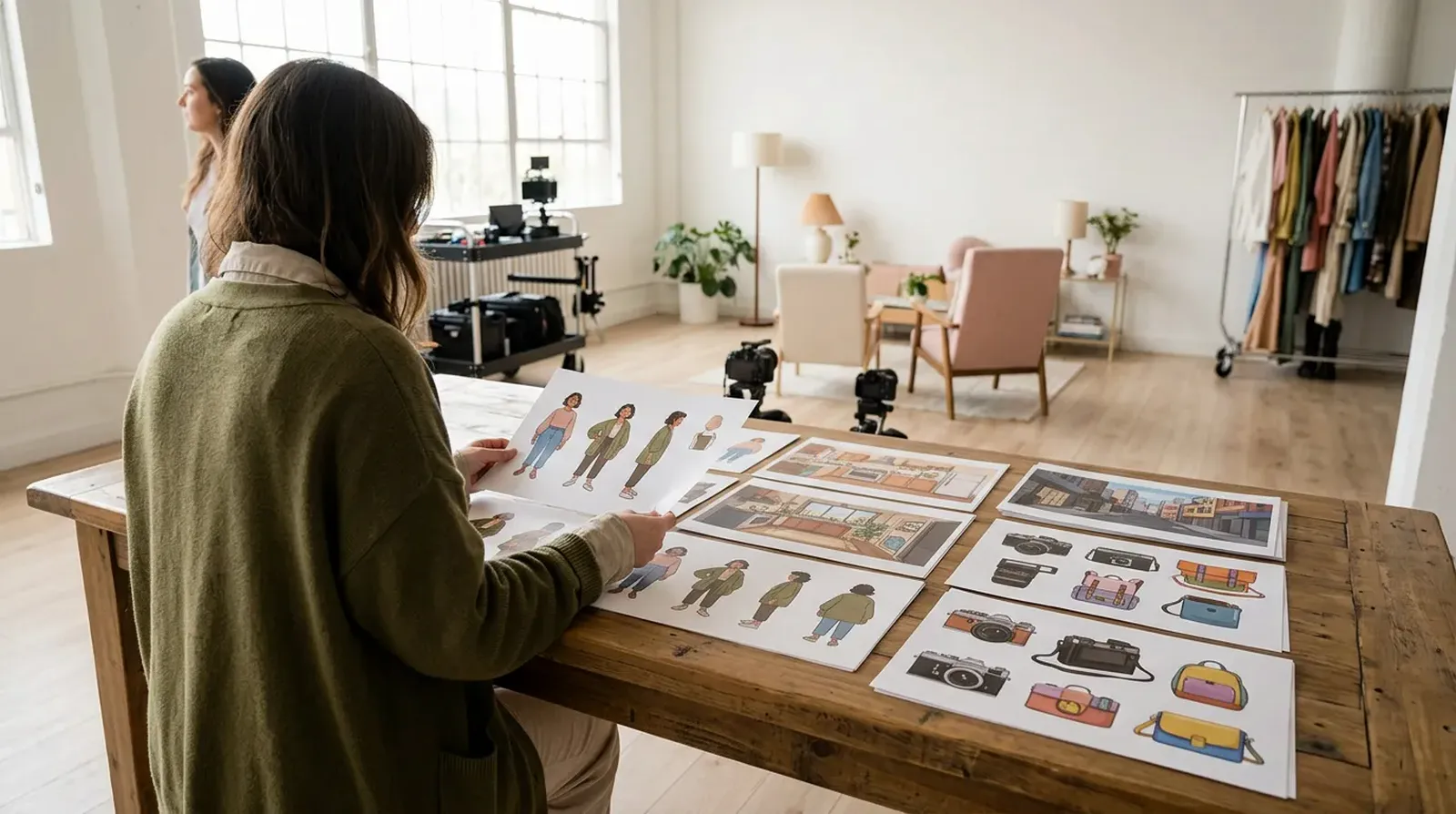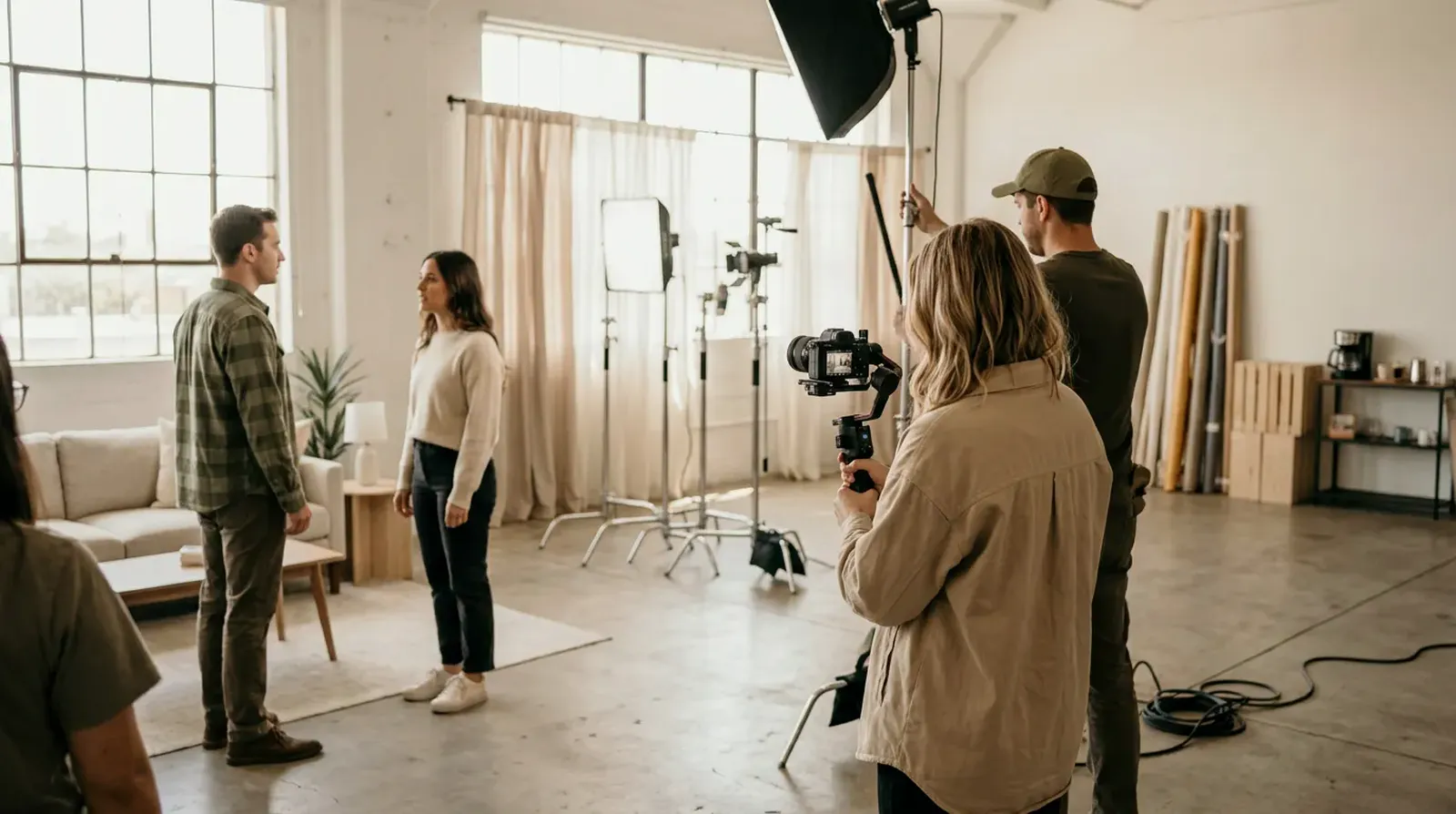
A multi-shot AI video is a sequence of cuts, made either in one generation on a model that supports multiple shots or as one clip per shot joined afterward. Write each shot with action, framing, camera move, lighting and seconds, and reuse one reference image and one written description. A 15 second vertical video divides as 5 shots x 3 seconds = 15 seconds.
You ask a video model for a hook shot, a product shot and a closing shot, and it returns one unbroken take. A vertical ad for TikTok, Reels or Shorts needs cuts, and so does a faceless channel post or a paid social test.
With a shot list, one prompt line per shot and a short check routine, you can generate the shots, join them and publish a 9:16 sequence with cuts.
Key takeaways#
- Use one generation for short dialogue scenes, and one clip per shot when shots need different models or retakes.
- Shot counts, clip lengths and aspect ratios differ by model and version, so check the model page for the exact version you use.
- A scene made one run per shot lets you redo a single shot without paying for the rest.
- Test a claim in a text-only format before you pay for generated shots.
What you need before you make a multi-shot AI video#
To make a multi-shot AI video, you need a shot list, one fixed description per subject, a reference image and access to a video model. You also choose between two methods.

The first method is one generation that returns several cuts and camera angles from a per-shot prompt. It is one job with one prompt. The second is separate clips, one job per shot, joined afterward, so you can regenerate just one shot.
Use one generation when the sequence is short and the shots share people, place and voices, such as a dialogue between two people. Use separate clips when each shot needs its own model, a second take or a fix, as in a product story or a montage.
Scenes with cuts of 15 to 30 seconds fit this method. For anything past 30 seconds, read the guide to making a longer AI video.
What to have ready#
- A one-sentence idea, for example “a 15 second vertical ad for a ceramic mug”.
- A shot list with one line per shot.
- One written description per character or product, reused word for word in every shot.
- A reference image or character sheet of the subject, plus one set description and one light line.
- A script, if the video has a voiceover.
- Access to a video model in Looptake’s Lab (/app/lab), which compares up to six models on one prompt.
- A Looptake balance. Looptake’s pricing page states: “Credits never expire. Top up from $5.”
- Time for one writing pass on the shot list and one generation per run. Generation time depends on the model.
Documented limits by model#
Providers set shot counts, clip lengths, aspect ratios and reference inputs per version, so compare versions, not brands. Looptake’s Seedance 2.5 page describes the model as “The most realistic motion, multi-shot scenes and dialogue”, with clips of 4 to 30 seconds.
Any other catalog video model can still make a scene, one run per shot. The guide to matching AI video models to shots covers that choice.
| Model | Shots per generation | Seconds per clip | Aspect ratios | Reference inputs |
|---|---|---|---|---|
| Seedance 2.5 (ByteDance) | Several shots | 4 to 30 | 16:9, 4:3, 1:1, 3:4, 9:16, 21:9 | Up to 4 |
| Any other catalog video model | One shot per run | Listed on its model page | Listed on its model page | Up to 4 |
For a 30 second ad on Seedance 2.5, you can request the whole sequence in one run. On a model with a shorter clip limit, you generate each shot separately and combine them with Join clips, which takes up to ten clips and a music track.
What it costs#
The wording on Looptake’s pricing page is: “You see the price before you run, and a failed run costs nothing.” A generated sequence is one model call. A regenerated shot is another model call, so a scene made one run per shot lets you redo a single shot without paying for the rest.
How to make a multi-shot AI video: step by step#
You make a multi-shot AI video by writing a shot list, fitting the script to each shot, and generating in one run or one clip per shot. Then you join the results and place the text.
- Write the shot list. For each shot, note the shot size, what happens and how long it lasts. When it worked, you have four to six lines, each with a size and a time.
| Shot size | What it shows |
|---|---|
| Wide | Where we are, who is there |
| Medium | The action |
| Close-up | A face, a reaction, an object that matters |
| Insert | One detail, such as a hand or a sign |
-
Divide the runtime. 15 seconds / 5 shots = 3 seconds each. 30 seconds / 6 shots = 5 seconds each. Put the hook in shot 1. Four to six shots of 2 to 4 seconds make a 15 second vertical scene, and the shot times should add up to the total.
-
Fit the voiceover to the shots. Take 150 words per minute as a rule of thumb, or 2.5 words a second. That gives about 37 words in 15 seconds (about 7 per 3-second shot) and about 75 words in 30 seconds (about 12 per 5-second shot). Read each line aloud against a timer and cut words until it fits.
-
Write one prompt line per shot with action, framing, camera move, lighting and seconds. The guide to writing an AI video prompt covers the wording. An example prompt for a 15 second cold brew ad:
Bottle: a tall clear glass bottle of cold brew coffee, dark liquid, white rounded-rectangle label, black cap, on a light wood kitchen counter. Window light from the left. Shot 1 (0-3s): close-up, a hand pours cold brew over ice into a glass, camera locked. Shot 2 (3-6s): medium, the bottle on the counter, slow push-in. Shot 3 (6-9s): insert, condensation on the label, slow tilt down. Shot 4 (9-12s): medium, a hand lifts the full glass, camera static. Shot 5 (12-15s): wide, the counter with bottle and glass, slow pull back. 9:16, light from the left in every shot.
-
Lock consistency. Reuse one reference image and paste the same written description into every shot. State what stays fixed (bottle, label shape, color, light direction) and change one variable at a time, such as framing only. Add a continuity line with “left stays left” and the eyeline direction.
When a face or outfit drifts, regenerate only that shot with the original reference image and the original description, and reduce the number of changes in it. A character or set sheet makes a good reference.
-
Generate. For one run, paste the whole list with its times into a multi-shot model, set 9:16 and turn sound on. You get one clip with cuts at the times you wrote.
For one run per shot, paste the same character description, set line and light line into each prompt. In the Lab’s Director, label the cast A and B and fill the continuity field. You get one clip per shot.
-
Assemble in Looptake’s Lab. Send your hardest shot to several models on one prompt and pick the best result for each shot. Combine the chosen clips with a music track in Join clips, then add Caption. The result is one 9:16 file that plays through in order. You can make your first video this way, or read how the AI video generator builds a short from one sentence.
-
Place text and captions inside the safe area. On TikTok, Reels and Shorts, the app’s own caption, account name and buttons cover the bottom and right edges. Keep your text away from those edges and check each app’s preview before posting. When it worked, nothing you wrote sits under an interface element.
Common mistakes and how to avoid them#
Most multi-shot AI video mistakes come from pacing, drift and rerunning too much, and each has a short fix.
- Shots run too long for vertical pacing. A 15 second video with three shots gives each shot about 5 seconds. Trim any shot that keeps holding after its beat is done.
- The hook arrives after the first shot. Put the hook line and your strongest image in shot one, so the first cut comes after the hook. The viral content principles cover what makes an opening hold.
- Subject, light and camera change in the same shot. When the result drifts, you can’t tell which change caused it. Change one variable at a time and rerun only that shot.
- The face or outfit drifts between shots. Paste the same written description into every prompt, word for word, with one reference image. State what stays fixed (face, jacket, hair), then regenerate only the shot that drifted.
- Framing, ratio and look vary from shot to shot. A small step in shot size, such as medium to slightly closer, looks like an error, so jump from wide to close. Generate every shot at 9:16 (see the guide to AI video aspect ratios) and keep one color look.
- Captions sit where platform interface elements cover them. Preview the post on TikTok, Reels or Shorts and move the text clear of the side buttons and the account caption.
- The voiceover is longer than the shots. At 2.5 words a second, a 5 second shot holds about 12 words. Cut each line until it ends inside its own shot.
- You regenerate a whole sequence when one shot failed. Regenerate that shot and rejoin the clips. With one run per shot, you pay again for one shot instead of the whole scene.
Decision guide: test the claim in text first#
If the idea is a sentence that must hold attention, start in a text format. Wall of text, Slideshow and Green screen meme put words on screen with no generated shots.
For the claim “this steel bottle keeps drinks cold for a day”, post a Wall of text video first. If viewers watch to the end, build the multi-shot version with product shots. If they don’t, you rewrite only the script.
- Claim only, no visuals needed: Wall of text, Slideshow or Green screen meme.
- Product in motion, a hand using it, or a place: multi-shot.
How to check that your multi-shot AI video worked#
You check a multi-shot AI video by playing the file the way viewers will see it and testing it against your shot list, script and receipt.
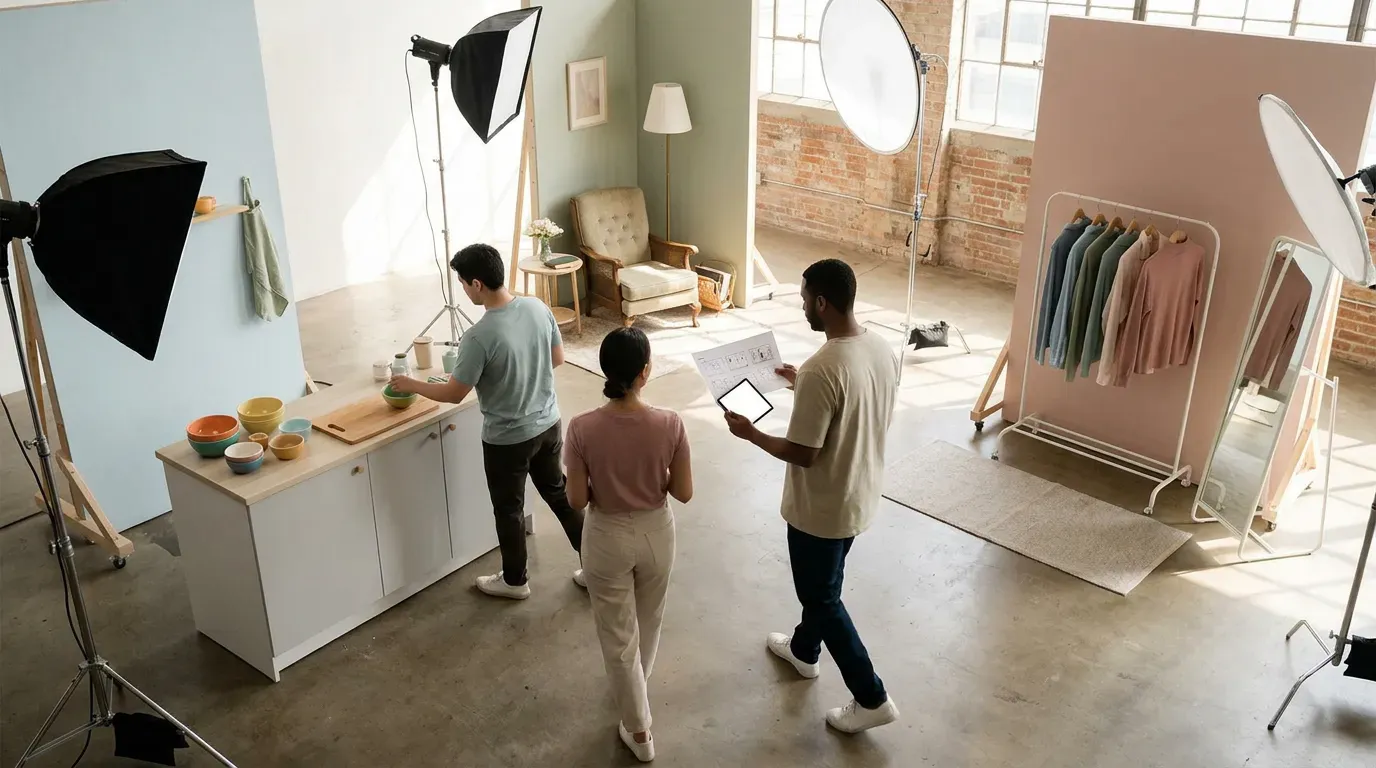
- Play the file on your phone at full screen with sound on, and count the cuts. A pass is a cut count equal to your plan, with each cut landing where you wrote it.
- Add up the shot seconds. A pass is a total of exactly 15 or 30, such as 5 + 5 + 5.
- Compare the face, clothes and set in every shot against your reference image. A pass is the same face, the same outfit and the same room, with the product on one side and eyelines pointing the same way across cuts. If one shot drifts, regenerate that shot only.
- Watch shot 1 alone. A pass is a hook you can see or hear before the first cut.
- Pause on frames with text. Captions should sit clear of the username, the description and the side buttons on TikTok, Reels and Shorts. Then run your caption text through the caption length checker, which is among Looptake’s free tools.
- Count the voiceover words. A pass is a count at or under about 37 words for 15 seconds or about 75 for 30 seconds, with each line ending on its own shot.
- Compare your balance change with the price shown before the run. On Looptake’s pricing, the bill is never more than the hold, so the drop should match or come in lower.
Frequently asked questions#
Do I need a multi-shot model to make a video with cuts?#
You don’t. Generate one clip per shot on any video model, then join them with Join clips. A multi-shot model returns the cuts in one generation, which saves joining but gives you less control over each shot.
How many shots fit in a 15 or 30 second vertical video?#
At 3 to 5 seconds per shot, 15 seconds holds three to five shots (15 ÷ 5 = 3, 15 ÷ 3 = 5). A 30 second video holds six to ten (30 ÷ 5 = 6, 30 ÷ 3 = 10). Fewer, longer shots suit a product demo.
Why does the face change between shots?#
Each generation draws the face again. Reuse one written description in every shot, attach one character sheet as a reference image, or generate the shots in one run. When a face drifts, regenerate only that shot.
Can I mix models in one scene?#
You can mix models when you make one run per shot. Keep one color look and one light description in every prompt so the cuts match. The table of which AI video model suits which shot helps you choose.
What does a failed or regenerated shot cost?#
According to Looptake’s FAQ, a failed job costs nothing, and its credits go back to your balance. A regenerated shot is a new run, so you pay for it again: on Looptake’s pricing, you see that price before you run. Rerun the drifted shot, not the whole sequence.
Your next steps for multi-shot AI video#
Today, write a shot list of five shots for a 15 second vertical video. Give each shot an action, framing, camera move, lighting and seconds, then write a script of about 37 words, about 7 per shot.
This week, make that video twice from the same shot list: once as a single Seedance 2.5 generation and once as one run per shot. Compare both in Lab on your phone, checking the cuts, any drift in the face or outfit, and the cost on each receipt.
This month, run the playback check and the receipt check before every post, and note which approach fit each video.
Take your five-shot plan and 37-word script and make your first multi-shot AI video.