AI street interview ads run four beats (hook question, short answers, product turn, ask) in 37 to 62 words for a 15 to 25 second clip, at seconds x 2.5 words. Keep the interviewer’s and guest’s faces identical in every shot, check each spoken fact against your product page, and apply the platform’s AI label, because the guest is generated. A creator selfie video follows the same steps with one speaker.
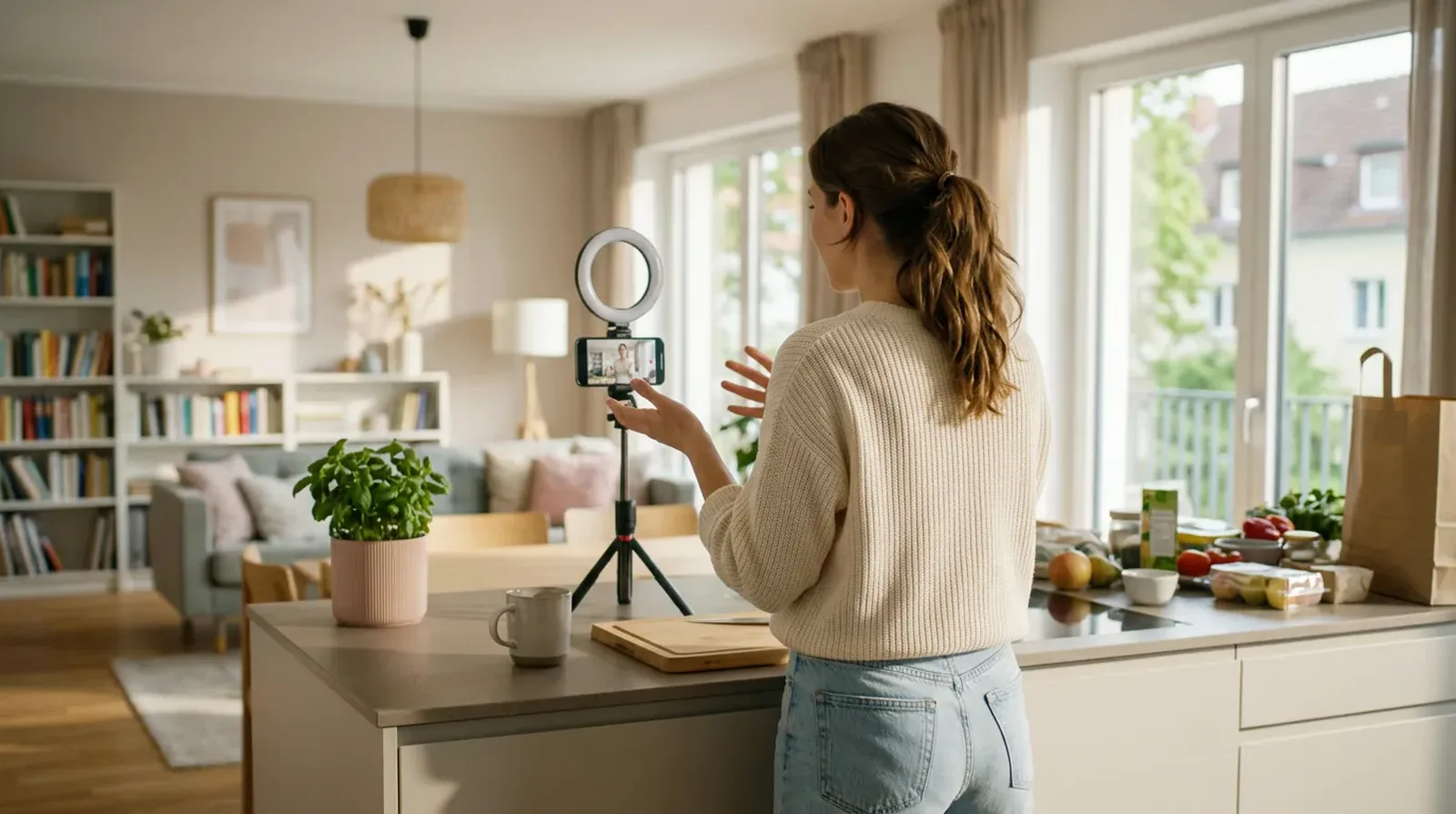
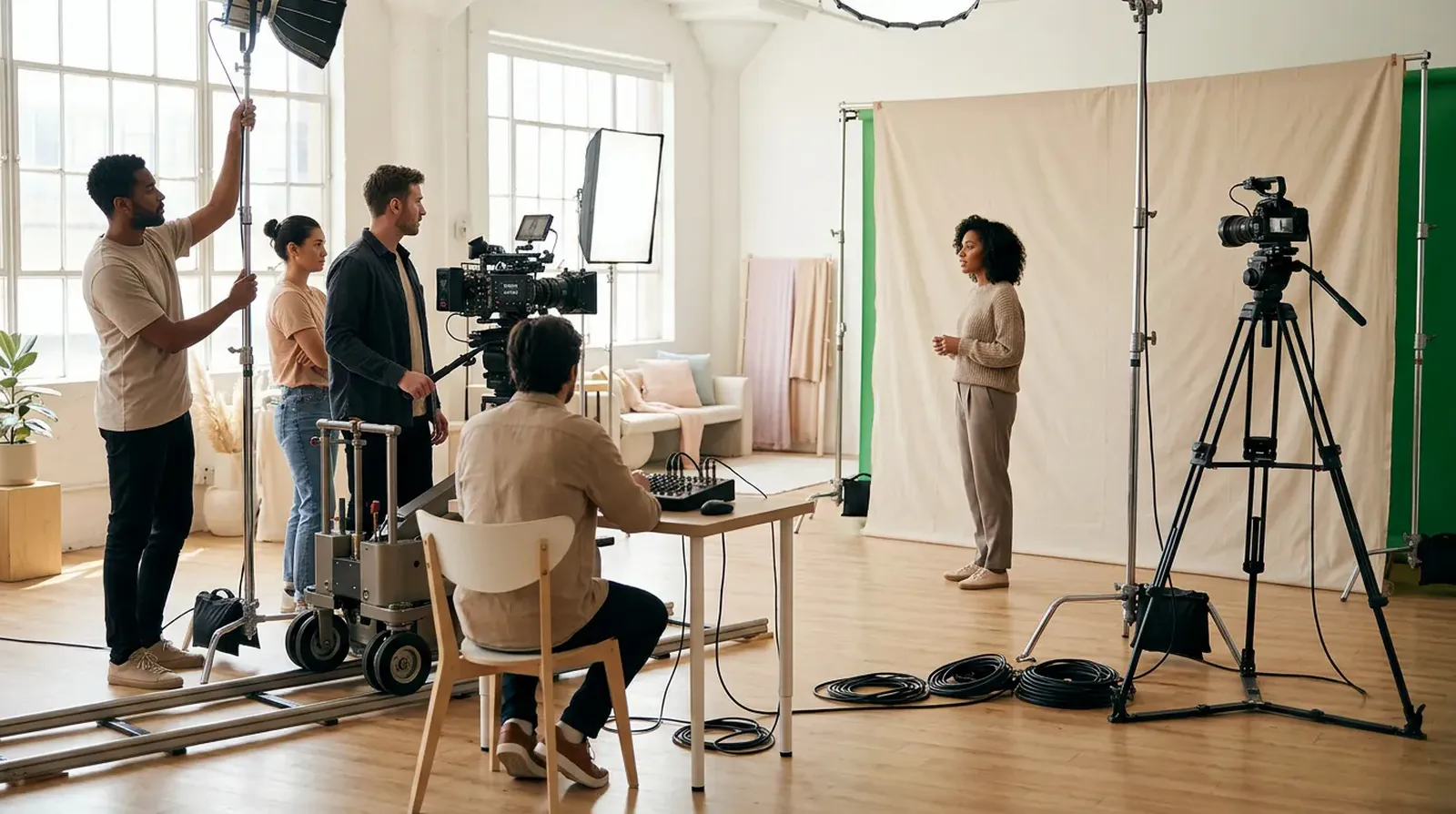
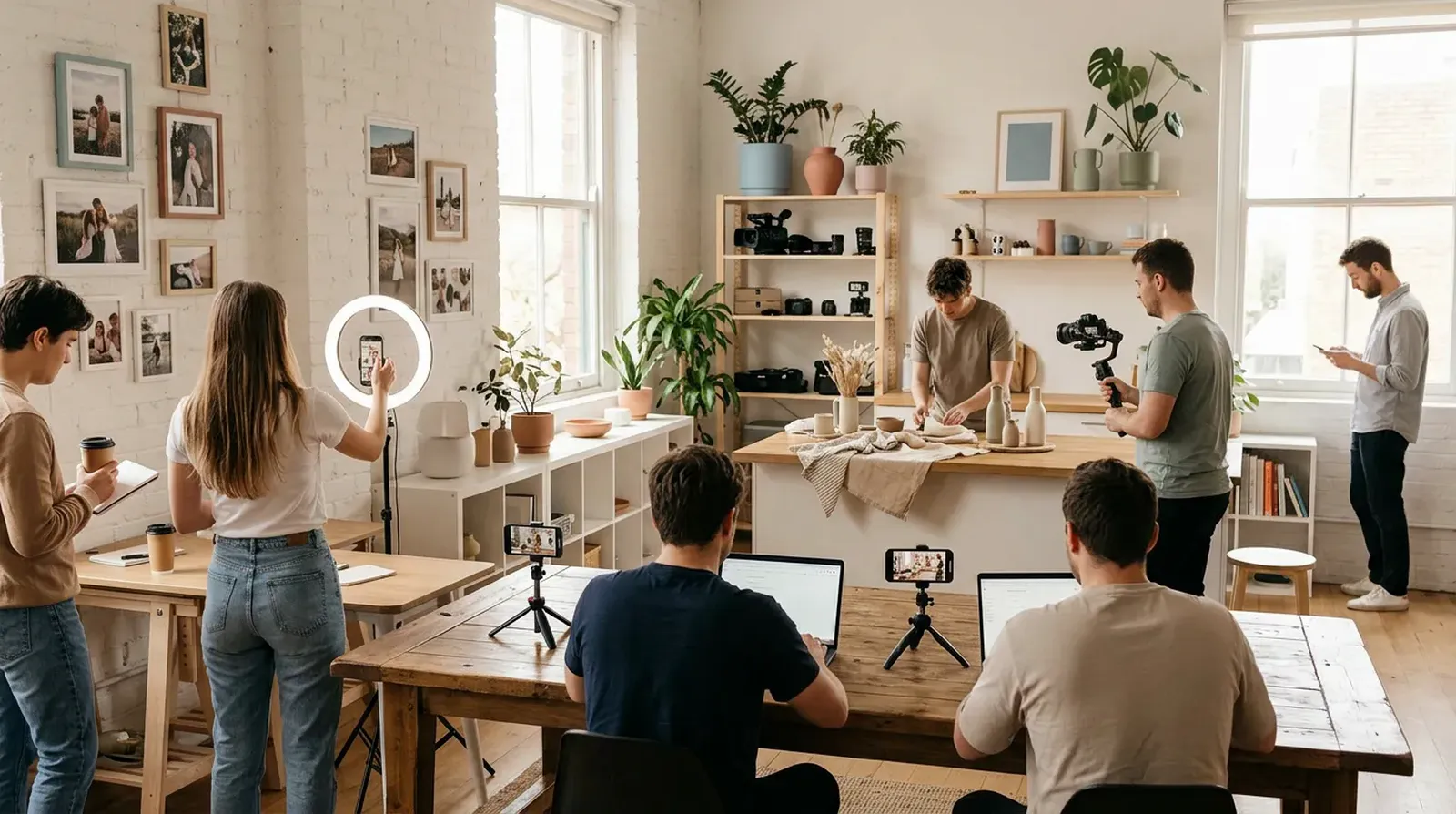
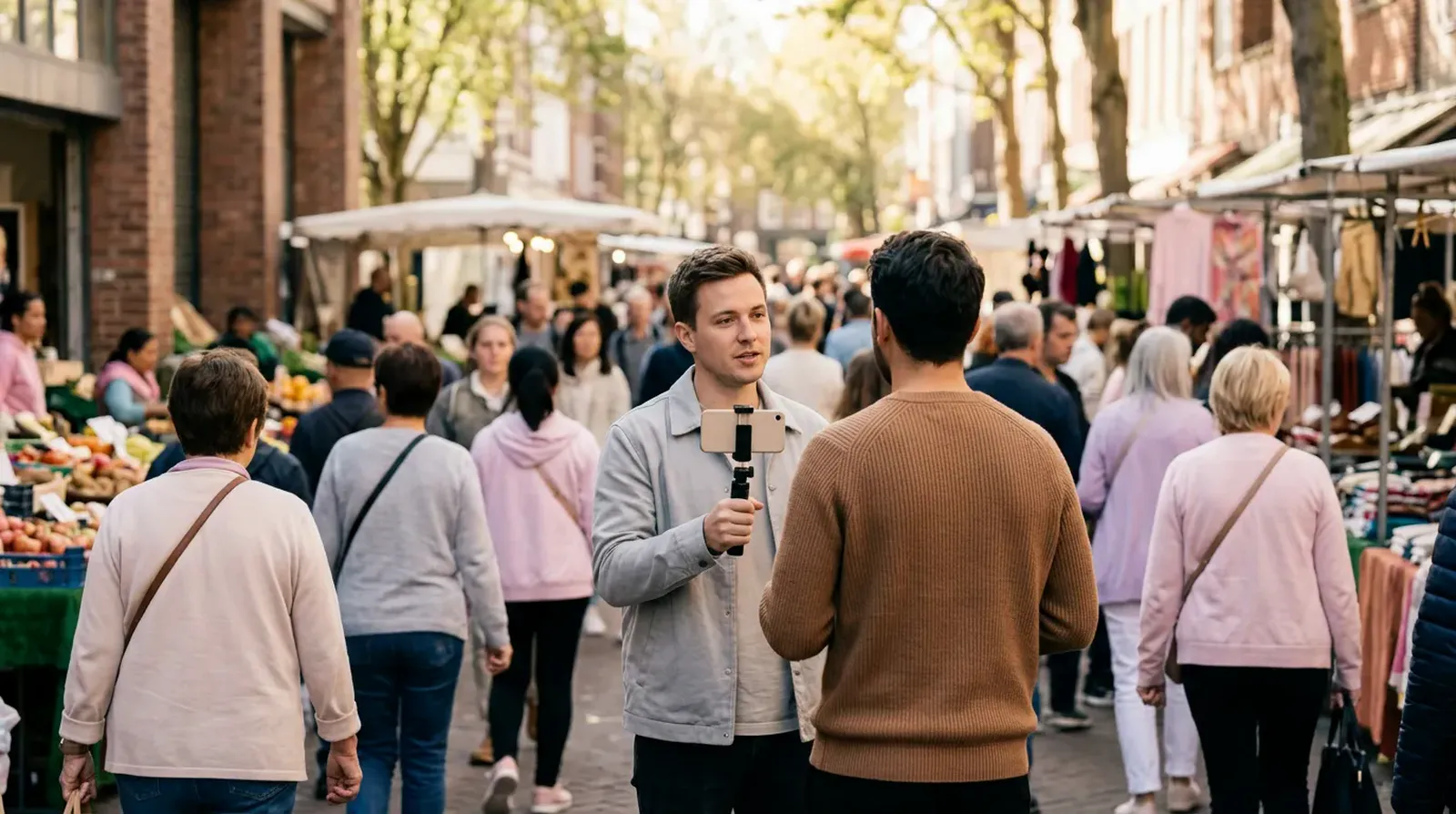
These ads suit solo sellers and small-brand marketers who want a vox-pop clip for TikTok, Reels or Shorts without a crew, a street or willing strangers. The two shots are a creator talking to a phone in a kitchen or bathroom, and a passerby answering one question from an interviewer off camera.
By the end you will have a labeled, claim-checked 9:16 clip and a plan for testing variants. Scripting and platform differences for creator-style ads are in the AI UGC ads guide.
Key takeaways#
- Test the hook question in a text-only format such as Wall of text before you pay for faces.
- Paste identical speaker, location and light descriptions into every shot prompt so nothing drifts between clips.
- Change one beat per variant, so any difference in results has one cause.
- TikTok, Meta and YouTube word their AI labels differently, so read each help center before you post.
What you need before you start#
Before you start an AI street interview ad, you need a product page with the facts you may state, an account to post from, a Looptake account and time to render several variants.
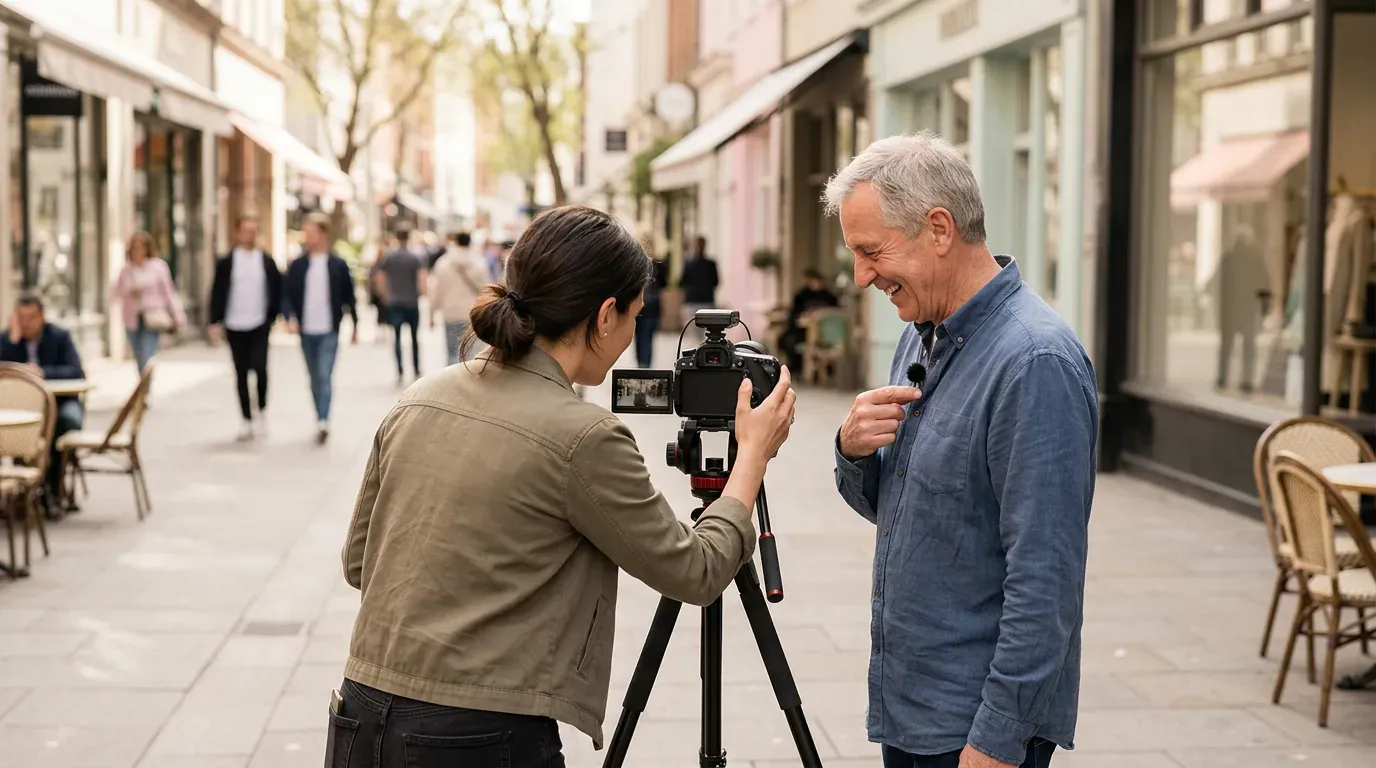
A vox pop is a short interview that puts one question to members of the public, usually on the street, and Wikipedia’s vox pop entry traces the term to the Latin vox populi, “voice of the people.” An AI street interview ad imitates that format with generated people.
- Open your product page and list the facts it states: price, materials, shipping terms. The guest may say only these.
- Connect the TikTok, Instagram or YouTube account you will post from.
- Sign in to Looptake.
- Set aside time for rendering. The time depends on how many variants you render.
Cost and order of work#
An AI street interview ad costs least when you test its script in a text-only format first and render faces only after that version holds attention.
Text-only formats such as Wall of text, Slideshow and Green screen meme have no generated people. They use no AI media, so a test in one costs only the writing. Looptake’s FAQ says a failed job costs nothing and its credits go back to the balance.
Looptake’s pricing page reads: “You see the price before you run, and a failed run costs nothing.” Credits never expire, you can top up from $5, and 1 credit = $0.001.
Write the question and the claim in Wall of text, Slideshow or Green screen meme, and post it. Render with Presenters only after the text version holds attention.
Fix three rules before you write#
Three rules govern every line of an AI street interview ad: the guest is a generated person, every spoken fact comes from the product page, and a generated person is never presented as a real testimonial.
The FTC’s Endorsement Guides (16 CFR Part 255) say endorsements “must reflect the honest opinions, findings, beliefs, or experience of the endorser.” A generated guest has no experience to reflect.
The FTC’s 2024 final rule on fake reviews and testimonials addresses testimonials by “someone who does not exist, such as AI-generated fake reviews.”
A worked claim check#
A spoken line passes the check only when your product page states the same fact.
For a cotton tote whose product page states only its price and its shipping terms, the guest may say the tote ships on the terms the page gives. It may not say it “held up for a year,” because no page says that and a generated guest has bought nothing.
Cut any line with no match on the page before you render.
How to make the creator selfie and the street interview: step by step#
You make the creator selfie and the street interview by writing a word-budgeted script, describing each speaker and place in the same words in every prompt, checking each spoken line against your product page, and rendering both shots. Work through the seven steps in order.
- Pick the hook question by product type. Ask a habit question for consumables (“What do you drink first thing in the morning?”), “what would you do with” for gadgets and home goods, and a problem question for apps. Ask a price guess only when the real price is on your product page. It worked if you can name the product the question leads to. More opening patterns are in how to write video hooks.
- Write the script to a word budget. A 15 second script holds about 37 words at short-form pace, which is 2.5 words per second, so 25 seconds holds about 62. Split 25 seconds like this: hook question 0 to 4 s (4 x 2.5 = 10 words), throwaway answer 4 to 8 s (10 words), believable second answer 8 to 14 s (6 x 2.5 = 15 words), product turn 14 to 21 s (7 x 2.5 = about 17 words), ask 21 to 25 s (10 words). Read it aloud with a timer. It worked if it finishes in 25 seconds without rushing.
- Write a throwaway first answer, then a believable second one. Keep the first short, plain and off the product. Make the second describe a specific situation with no invented numbers, results or purchases. It worked if the second answer would still be true if the product didn’t exist.
- Set up two speakers. Write one description block for the interviewer and one for the guest, and paste each block unchanged into every shot prompt. Use the same location and light words (for example “overcast daylight”) and the same ambient sound words (“light traffic, distant birds”) in every prompt. Burn in captions with one speaker per line. It worked if both faces, the path and the light match across shots.
- Check the script line by line. Trace each spoken fact to your product page. Cut any statistic, price or rating you can’t point to there, any reaction that implies a real purchase or use, and any “I bought this” from the guest. It worked if every factual line has a matching line on the product page.
- Render the shots. In Looptake, choose the Interview clip format in Make a short and give it one sentence, or use the Lab to run your own prompts. Use a Presenter for each face so it stays the same across posts. It worked if you see a 9:16 clip where only the product facts you approved are spoken. Make your first video to run it.
- Apply the platform label. Turn on the AI-content disclosure in the app you post to. Use each platform’s help center for the exact setting. It worked if the label shows on the published post.
A worked script for a small shop selling a reusable water bottle, with the interviewer and guest on a park path in daylight:
- Hook, interviewer (9 words): “What do you carry water in on a walk?”
- Throwaway, guest (11): “Honestly, whatever bottle is clean that morning, or none at all.”
- Second answer, guest (13): “I walk after work and my bottle’s always empty by the first bench.”
- Product turn, interviewer (11): “This bottle is from our shop. The lid clicks shut. Hear that?”
- Ask, interviewer (11): “Tap through to read the full details on our product page.”
The total is 55 words, under the 62-word budget. Both speakers are generated characters. The guest describes a habit and never claims to own the product.
Creator selfie prompt#
Write these five parts, in this order, in one prompt.
- Camera: “Vertical selfie video on a front phone camera, slight arm shake.”
- Person and place: “A woman in her thirties in a kitchen, overcast window light, visible pores and fine lines, natural skin texture.” Smooth skin gives the ad away.
- Product: “She holds the bottle in her right hand at chest height, label toward the lens.”
- Line: “She says, ‘This is the bottle from our shop,’ then pauses half a second.” Write it as a brand message, never as a purchase claim.
- Gesture: “She lifts the bottle slightly toward the camera and smiles.”
It worked if the product stays in frame and the pause is audible.
Street interview prompt#
- Setup: “Vertical video, a park path in overcast daylight, light traffic and birds in the background.”
- Interviewer: “A man mostly out of frame, one shoulder and a microphone visible, asking, ‘What do you carry water in on a walk?’”
- Passerby and reveal: “A woman in a jacket answers, then pulls the bottle from her bag.”
- Product action: “She presses the lid shut with a clear click and taps the side.” The click lets the viewer hear the lid claim.
- Camera: “Handheld, with a slight push in on the bottle.”
It worked if you can hear the click and the bottle is readable in the final second.
Choosing the video model#
Use Veo 3.1 Fast for a single-speaker selfie, Seedance 2.5 for two people talking, and Kling 3.0 Pro when the product shot matters most. All three are in the model catalog. Check each model’s description in the picker before you commit.
Open the Lab, paste the same prompt, and run it on two models. Keep the take where the product reads clearly. It worked if you can pick a winner without reading the caption.
Keeping the product consistent#
Make a prop sheet of the product first: front, side and lid views on a plain background. Attach it as a reference to every shot prompt. The post on character, set and prop sheets shows how to build one. It worked if the label and lid look the same in both clips.
Common mistakes with AI street interview ads and how to avoid them#
Seven mistakes cause most failed AI street interview ads: over-long scripts, drifting faces, a shifting location, invented praise, an off-topic question, a missing label and no text test.
- Script over the word budget. Delivery speeds up when too many words sit in the clip. Cut until the count fits the budget from step 2.
- Two faces drift between clips. Paste the same interviewer and guest descriptions into every shot prompt. Compare the first and last frames side by side before you render the rest.
- Location changes mid-interview. Reuse the same words for street, light and background in every prompt, so the sidewalk and the sun stay put between answers.
- Guests praise the product with invented results. Limit every answer to facts on your product page, and cut any line that implies the guest used the product.
- A question that doesn’t belong to the offer. Delete any question whose answer would fit a different product. For a coffee roaster, ask how people choose a roast.
- Skipping the platform label. Apply the platform’s AI-content label when you post.
- Posting faces before a text test. Run the question and claim in Wall of text first, then render faces and read results in the platform’s own analytics.
For the same offer, the three formats differ like this:
| Format | Structure | Fits |
|---|---|---|
| Interview clip | A question from outside the brand, two speakers | A claim that sounds stronger as an answer |
| Talking head | One presenter explaining | An offer that needs a step-by-step explanation |
| AI UGC | A creator-style clip that looks filmed on a phone | A product shown close up in hand |
The interview adds noise when the offer needs one presenter’s explanation or a close demo. In those cases, a Talking head or AI UGC carries the message with fewer moving parts. The AI UGC generator guide covers the selfie format in more detail.
How to check that your AI street interview ad worked#
You check an AI street interview ad in two parts: a pre-publish check of the clip, then a read of the results in each platform’s own analytics. Run both on every variant.
Check the clip before you post#
- Play the clip muted. Confirm the captions carry both the interviewer and the guest, so a viewer with the sound off can follow the exchange.
- Compare the first frame of each shot. Confirm both faces and the location match. If a face or the street changes, re-render that shot with the same descriptions.
- Read every spoken line against your product page. Delete any line the page doesn’t state.
- Confirm the AI label is set in TikTok, Meta or YouTube before you publish.
Read the results#
- Open the analytics in TikTok, Instagram and YouTube, plus Looptake Analytics. You should see each post’s numbers next to the others you published.
- Compare one variable at a time: the question, the first answer or the product turn. Keep the other two beats identical.
- Judge attention, production quality and the ask separately. Attention is whether viewers stay past the hook question. Production quality is the faces, the voices and the street. The ask is whether viewers take the one action you named.
- Change only the beat that failed, then render the next variant.
The same one-variable routine works for creator-style clips, as the guide to scripting and testing AI UGC ads shows. Your own variants are the only benchmark, so compare each new post with your previous one.
Frequently asked questions#
Do I have to label an AI street interview ad?#
Label it wherever the platform asks, and expect the rules to differ by platform. TikTok has an AI-generated content label. Meta uses an “AI info” label. YouTube has an altered or synthetic content disclosure. Read each help center before you post.
Can the guest in my ad be shown as a customer?#
The guest is a generated person, so never present it as a customer or a testimonial. Follow the FTC’s endorsement and testimonial guidance, and have the guest say only facts from your product page. The guide to AI spokesperson videos for ads covers the claims rules for generated presenters in more detail.
How long should the ad be?#
Aim for 15 to 25 seconds, which is about 37 to 62 words at short-form pace. Split them across a hook question, short answers, a product turn and an ask. A longer script makes the delivery speed up until it sounds rushed.
How much does it cost?#
You see the price before you run, in credits that never expire. Test the script in a text-only format first, since those formats cost only the writing. Every price is on the pricing page.
Make your first AI street interview ad this week#
Today, pick one product fact and one hook question from your product page. Write the 62-word script as plain text, with the question, two short answers, the product turn and the ask.
This week, render one clip with Interview clip and Presenters. Check every spoken claim against your product page, add the platform’s AI label where it asks for one, and watch the clip muted before you post.
Next week, open TikTok, Instagram or YouTube analytics, read how the clip held viewers, and change one beat, such as the hook question. Post the variant and compare the two.
When the script passes the claim check, make your first video.
Sources#
Vox pop - Wikipedia · FTC: final rule banning fake reviews and testimonials · 16 CFR Part 255 - Guides Concerning the Use of Endorsements and Testimonials in Advertising